Where Nearby is available
Where Nearby is live today, what happens outside the launch area, and how the waitlist works.
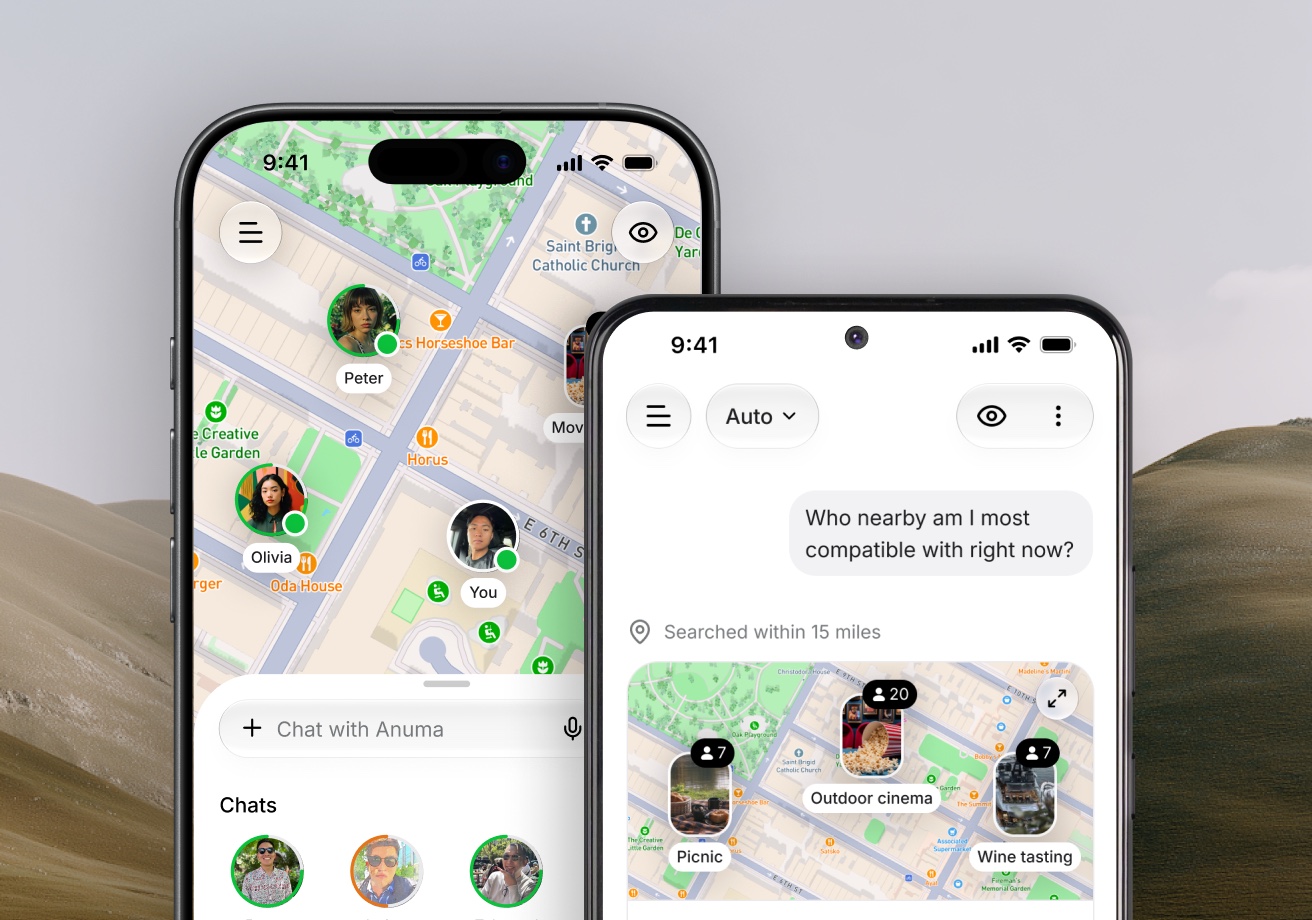
Nearby launches one area at a time, so that there are enough people around you to actually meet.
Available on: web, iOS, Android.
Live today
New York Metro: the five boroughs plus Jersey City and Hoboken.
Your shared location decides. There is no city picker and no travel mode. If you move into the area, open Nearby and tap Moved recently? Update my location on the waitlist screen.
Outside the launch area
If you are somewhere else, Nearby shows Not in your neighborhood yet instead of the map. From there you can:
- Join the waitlist. You see your place in line, an invite link, a QR code, and a way to invite friends by email. Inviting friends moves you up. See Rewards and invites.
- Chat with Anuma. Chatting with Anuma, including group chats with @Anuma, works anywhere.
When Nearby opens in your area, Anuma lets you know and the setup picks up where you left off.
Which cities are next?
Nearby expands where the waitlist is densest. Joining the waitlist is the best way to bring it to your city sooner. You can also sign up for updates at anuma.ai/nearby.
Traveling into New York?
Nearby works wherever you are standing. Visit New York, open Nearby, and you are on the map for as long as you are there and in Public mode.
Related articles
Still need help?
Email hi@anuma.ai and we will get back to you.