Nearby troubleshooting
Fixes for location checks, notifications, the waitlist and onboarding problems in Nearby.
Available on: web, iOS, Android.
"We couldn't check your location"
The device did not return a position in time. Try:
- Allow precise location for Anuma in your phone's settings (approximate location can time out indoors).
- Step outside or near a window and try again.
- On Android, turn location off and on again, then reopen Nearby.
The message blames Anuma's servers, but the cause is almost always the device fix.
"Not in your neighborhood yet" while you are in New York
- Make sure location access is allowed and precise.
- Tap Moved recently? Update my location to re-check.
- If you joined the waitlist earlier, close and reopen Nearby after updating your location.
No notifications on Android
Android does not always ask for notification permission during setup. Turn it on by hand: Settings → Notifications → Allow notifications, then accept the system prompt. Also check that Anuma is not restricted by battery optimization.
The screen went white during setup
Force quit the app and reopen it. The setup restarts from the beginning; nothing was published.
"Phone number already in use"
A phone number can only verify one Anuma account. Sign in to the account that already has the number, or use a different number.
"Anuma is unavailable. You must be 18 years or older"
Entering a birthdate under 18 locks Anuma on this device. If this was a mistake, email hi@anuma.ai from the account's email address.
Nearby is missing from the sidebar
- Mobile: update the app from the App Store or Google Play.
- Web: reload the page. If it is still missing, sign out and back in.
My profile does not appear on the map
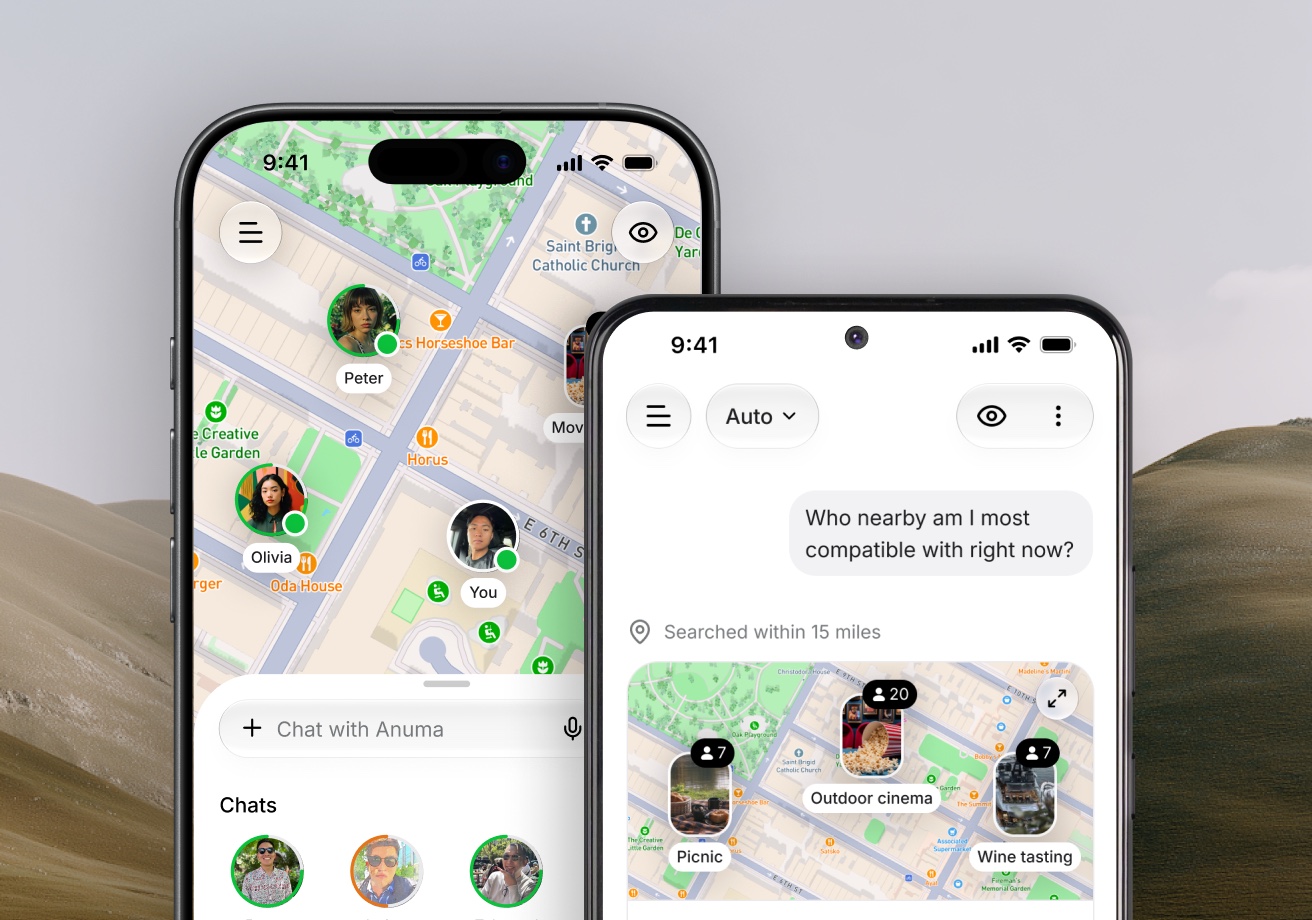
- Check that you are in Public mode (the eye icon).
- Finish the setup: a profile is created only at the last step.
- Photos and shared memories pass through moderation first; a profile with no approved photo is not shown yet.
Still stuck?
Email hi@anuma.ai with your account email, your device and what you tapped.
Related articles
Still need help?
Email hi@anuma.ai and we will get back to you.