Meetups
How meetups work in Anuma Nearby: find meetups on the map, RSVP, host your own last-minute hang, and manage guests.
A meetup is a plan with a place and a time: coffee on Saturday, a park hang, a last-minute board game night. Anyone in Public mode can join one or host one.
Available on: web, iOS, Android.
Find a meetup
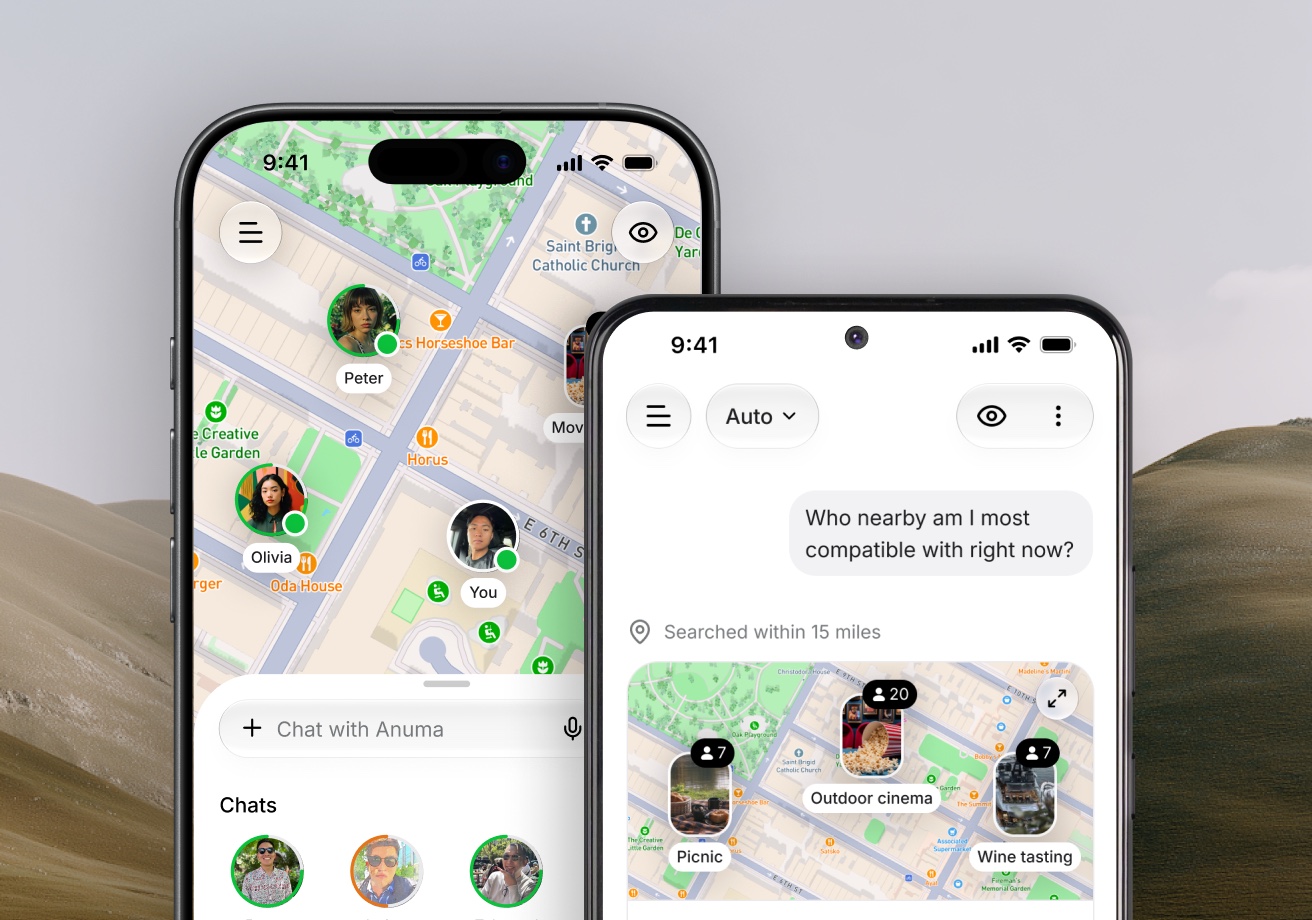
- On the map, meetups show at their venue, stacked with the people going when you zoom out.
- In the bottom sheet, open Meetups for a list of what is coming up nearby.
- Ask Anuma in chat: "What meetups are happening tonight?"
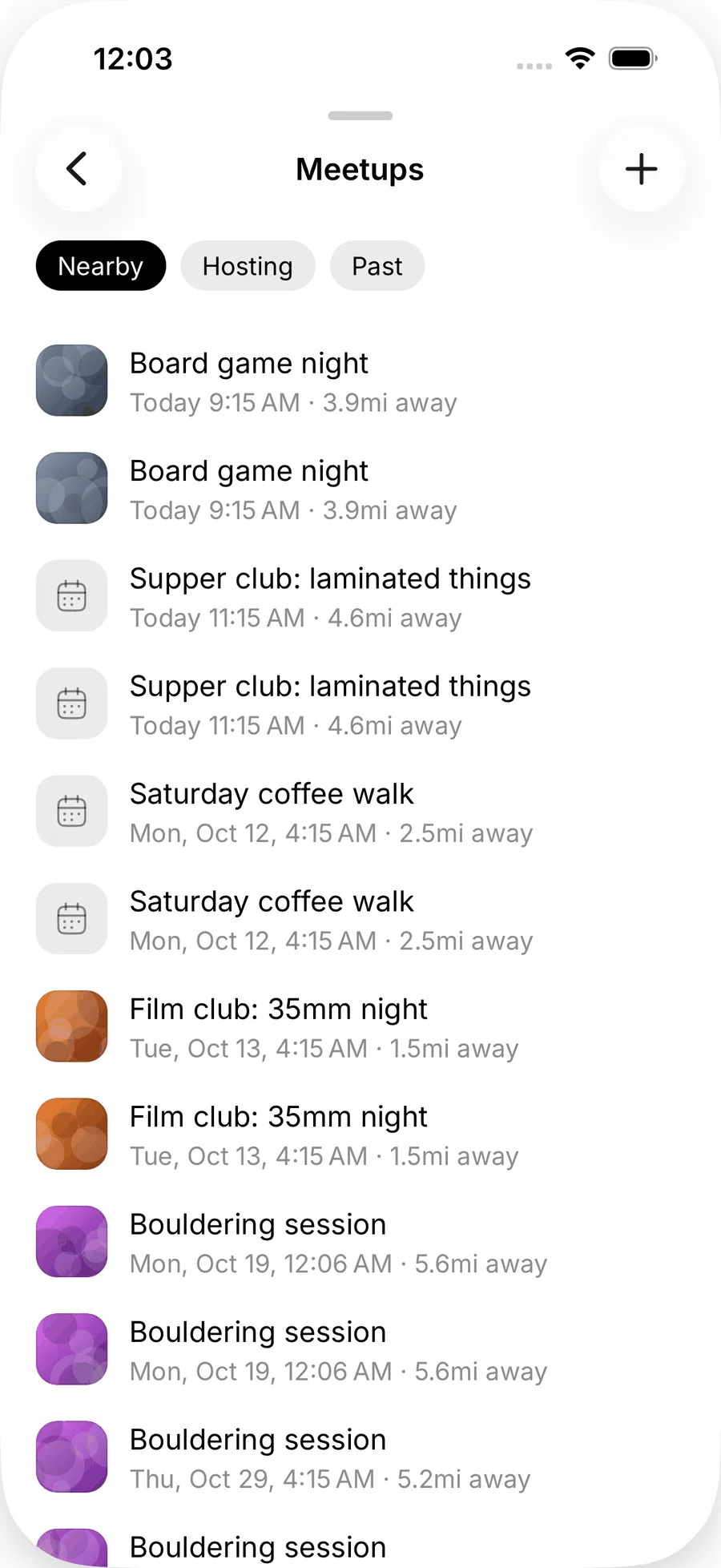
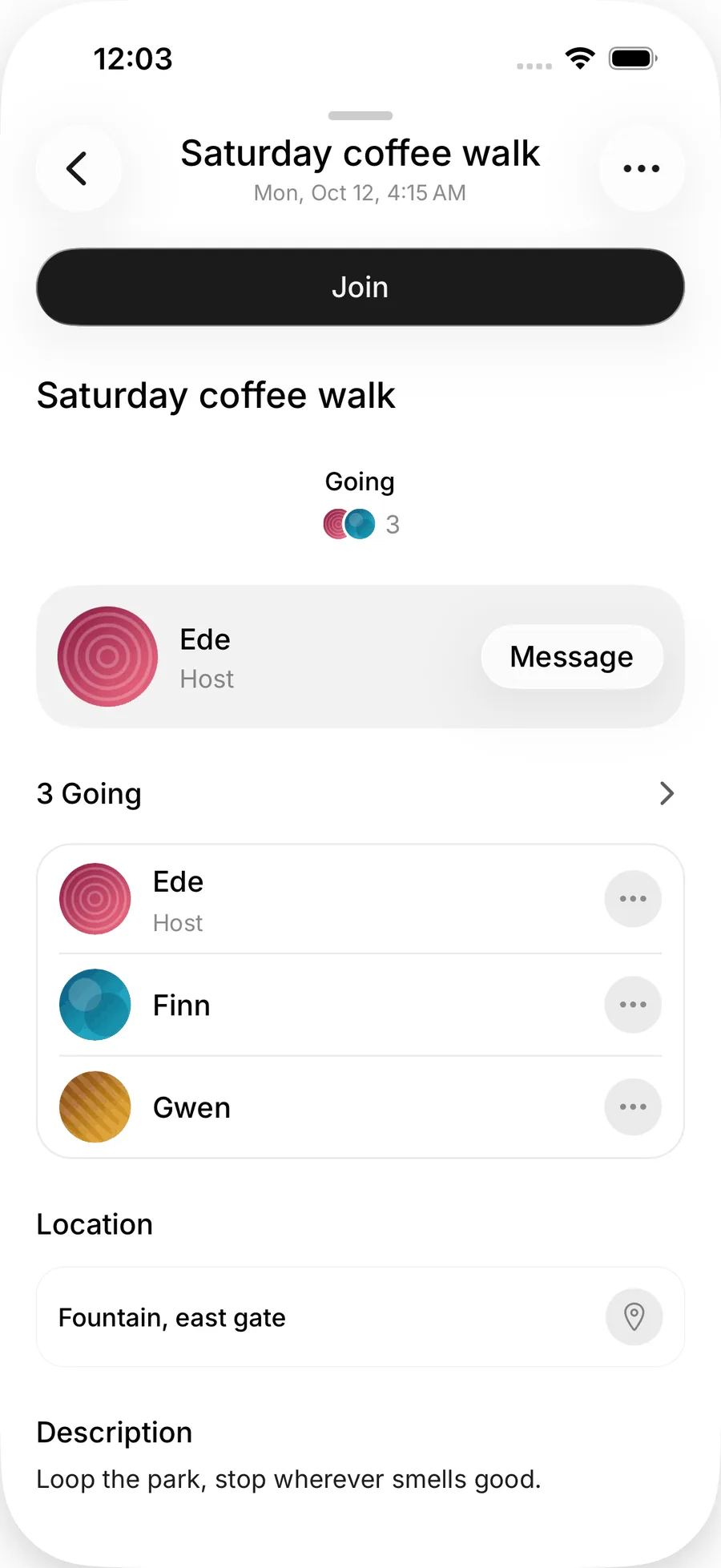
Open a meetup to see the host, the time, the venue, who is going, and the group chat.
Join
Tap Join. Some meetups are open to anyone; others are By request, and the host accepts or declines you. On request-only meetups the exact venue and the guest list stay hidden until you are accepted (you see the general area instead).
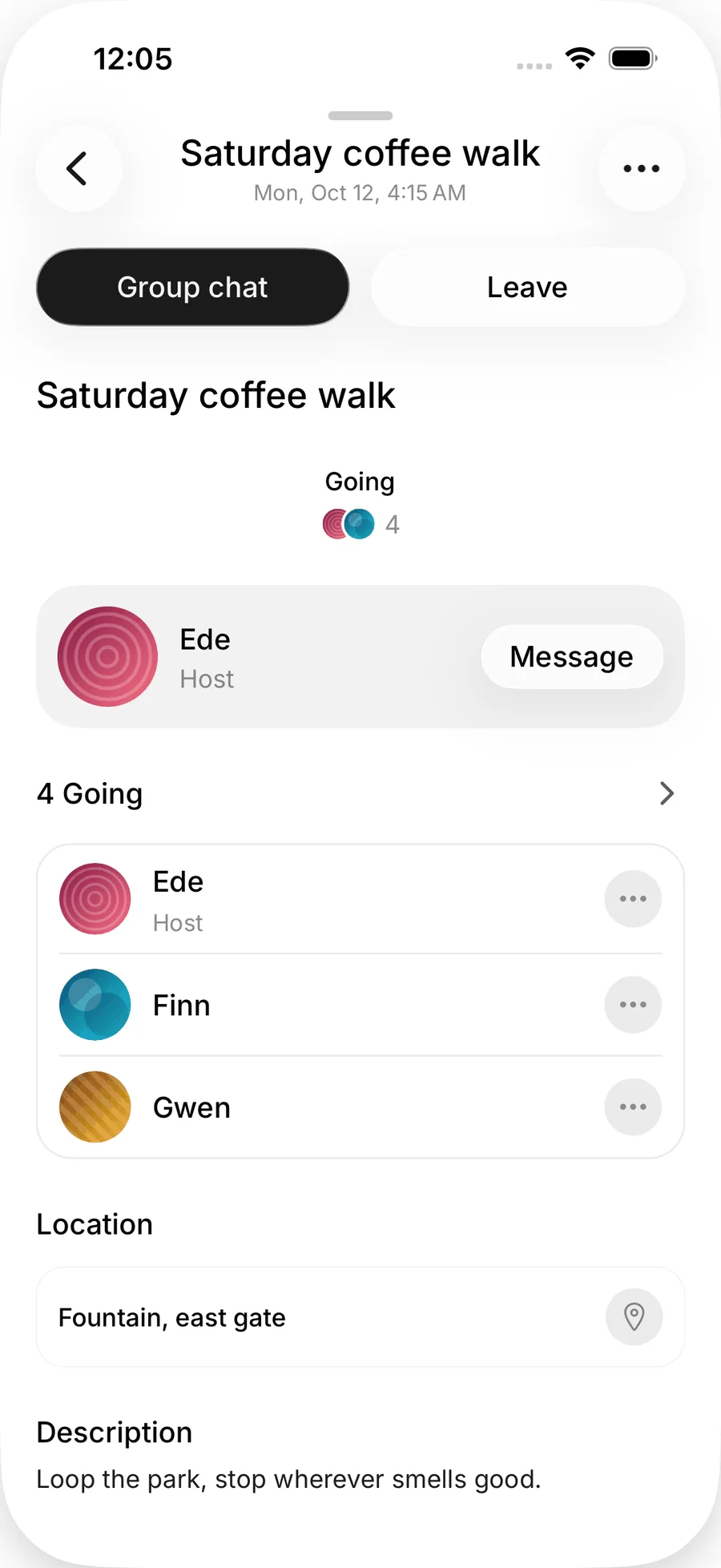
Once you are in, you are part of the meetup's group chat, where photos are allowed at any time.
Host a meetup
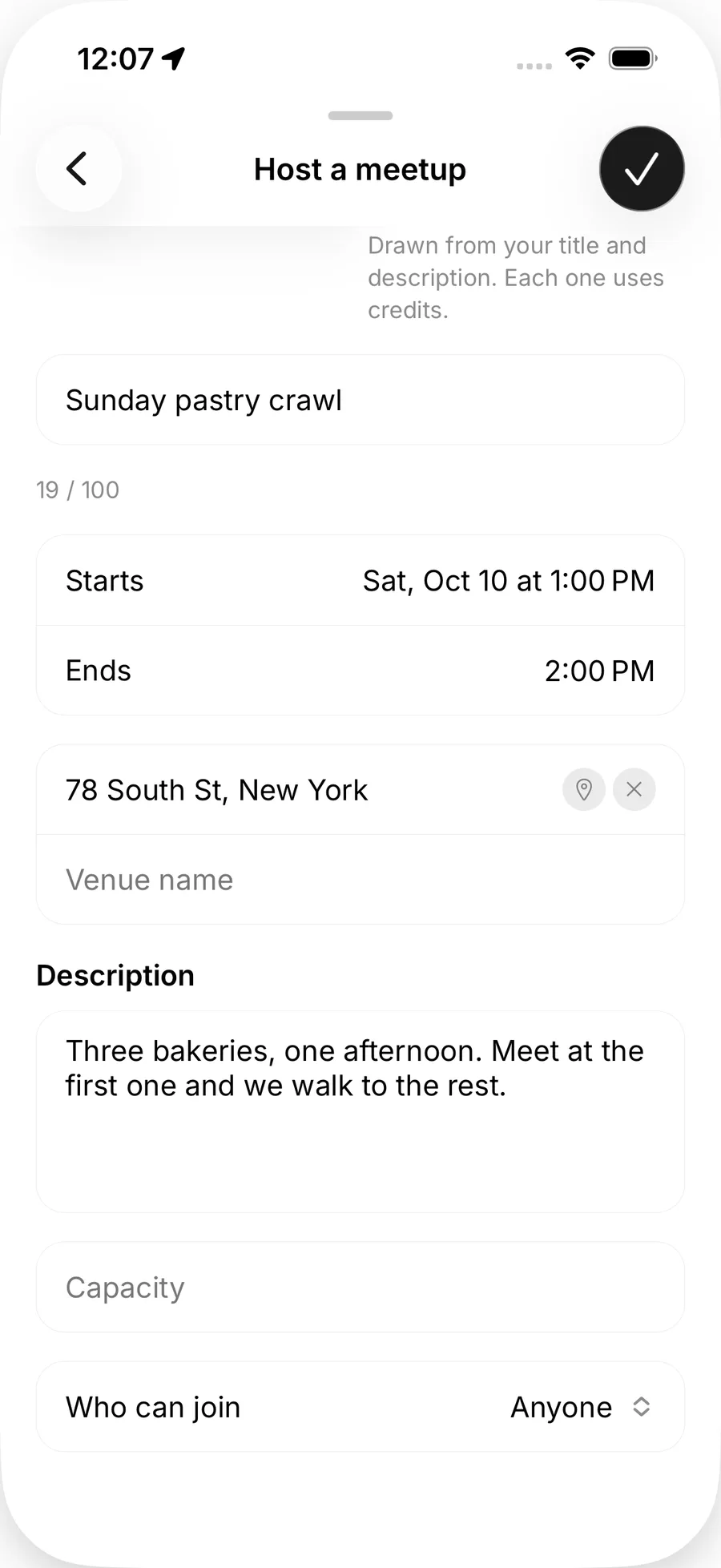
- Press and hold the map where you want to meet.
- Give it a title (up to 100 characters) and a description (up to 4,000).
- Set the start and end time.
- Pick the venue: search for a place or use My location. Venues are shown exactly, so pick a public place you are happy to share.
- Set a capacity and choose Who can join: Anyone, or By request.
- Add a cover: pick a preset, choose from your library, or tap Generate to let Anuma make one. Generated covers use credits.
- Add up to four more photos, then publish.
There is a daily limit on how many meetups one person can create, and you cannot host while in Private mode (switch to Public mode first).
Manage a meetup you host
From the meetup page:
- Accept or decline requests on a By request meetup.
- Remove a guest.
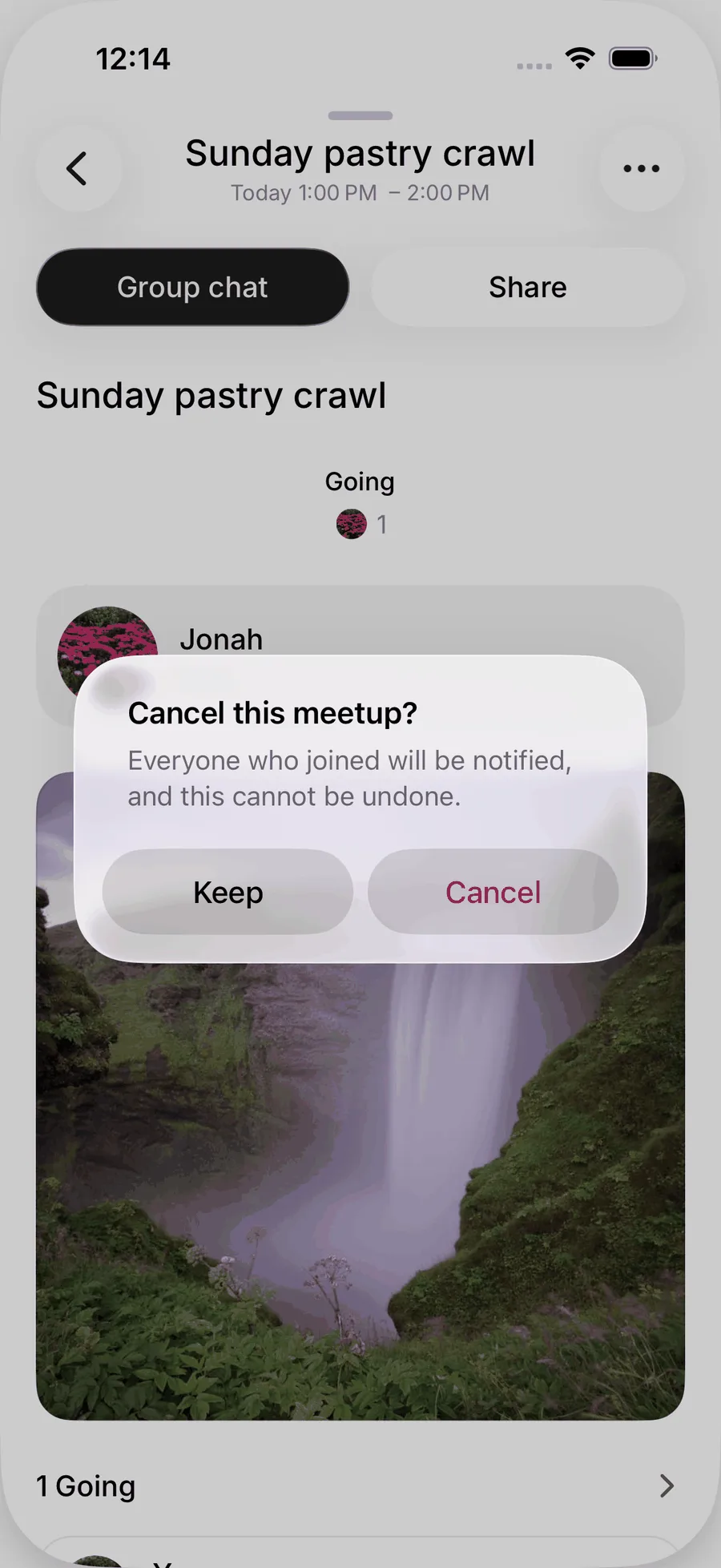
- Cancel the meetup. Everyone who joined is notified. This cannot be undone.
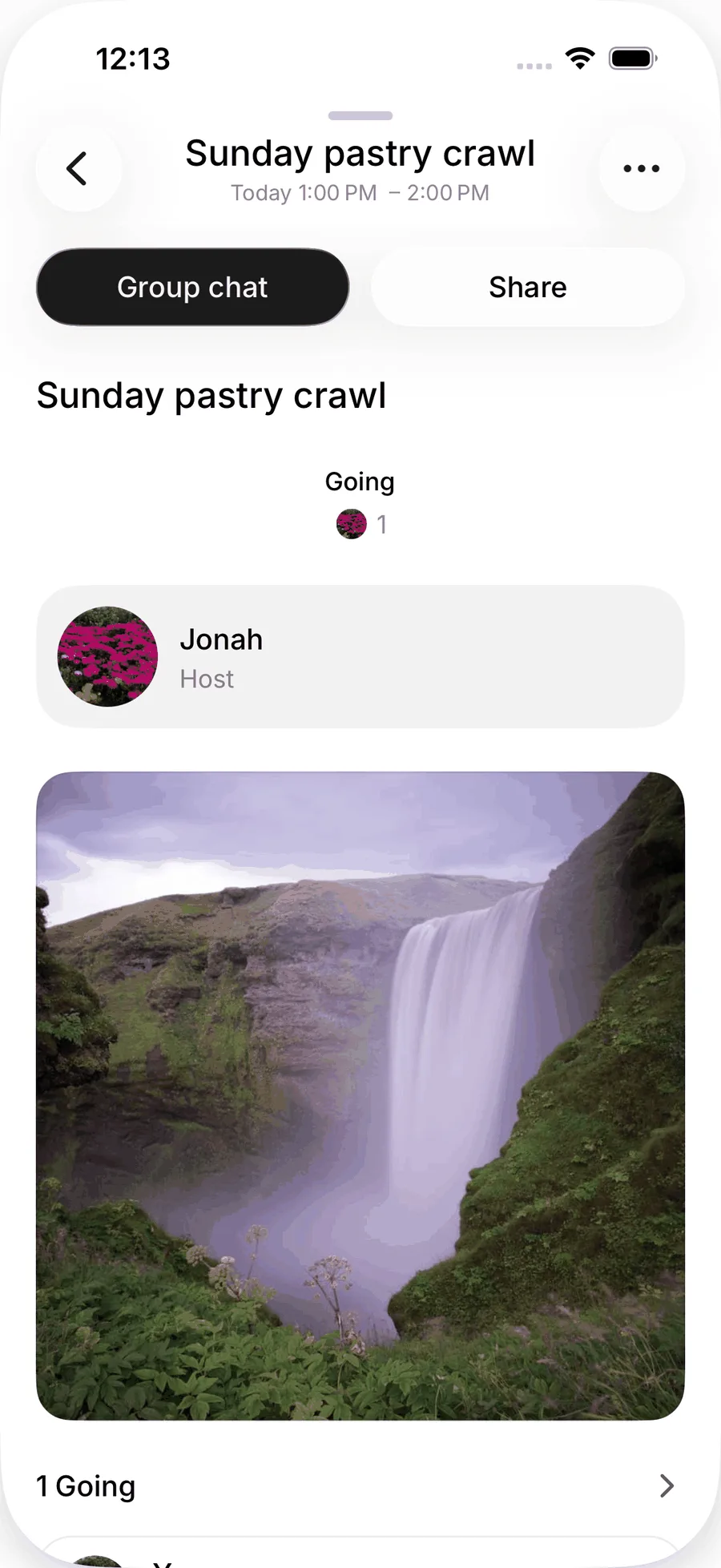
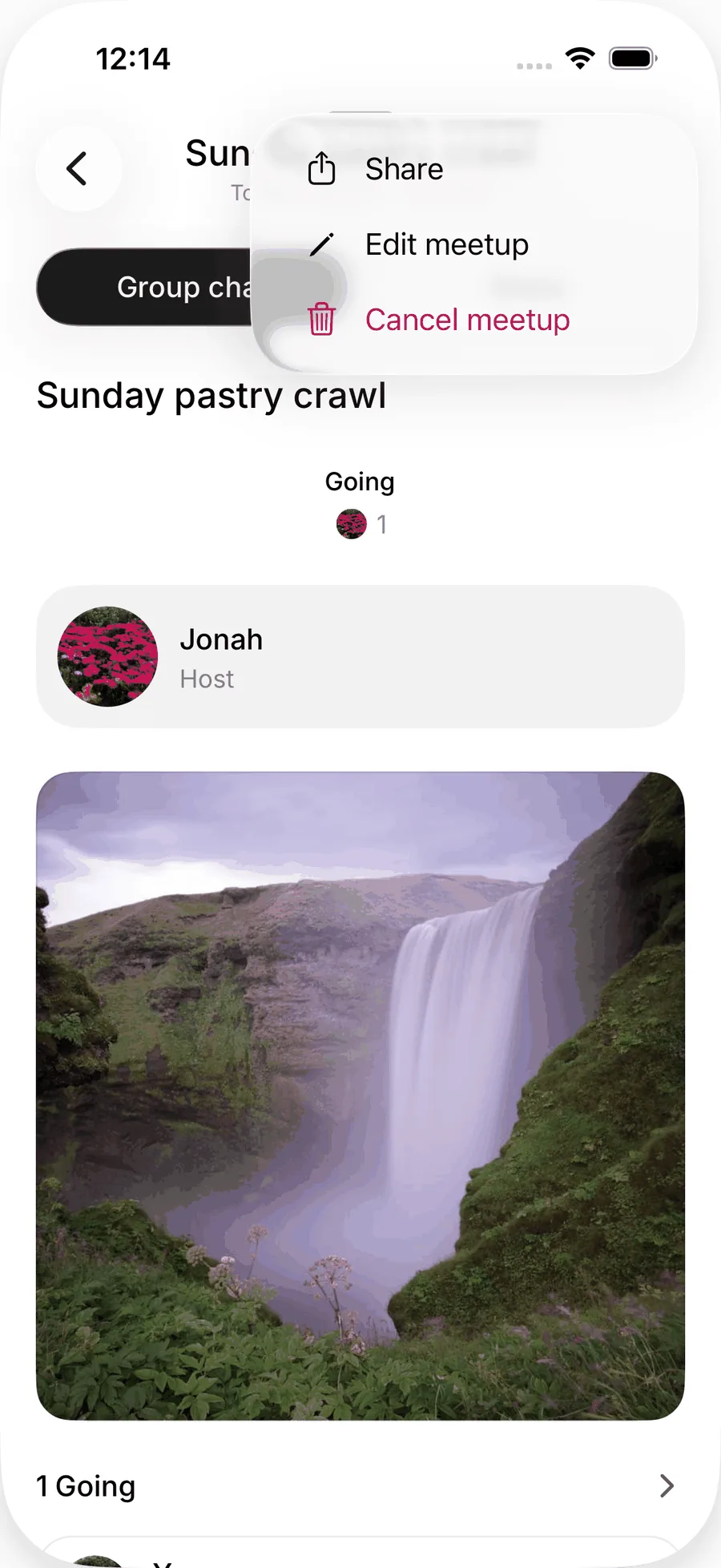
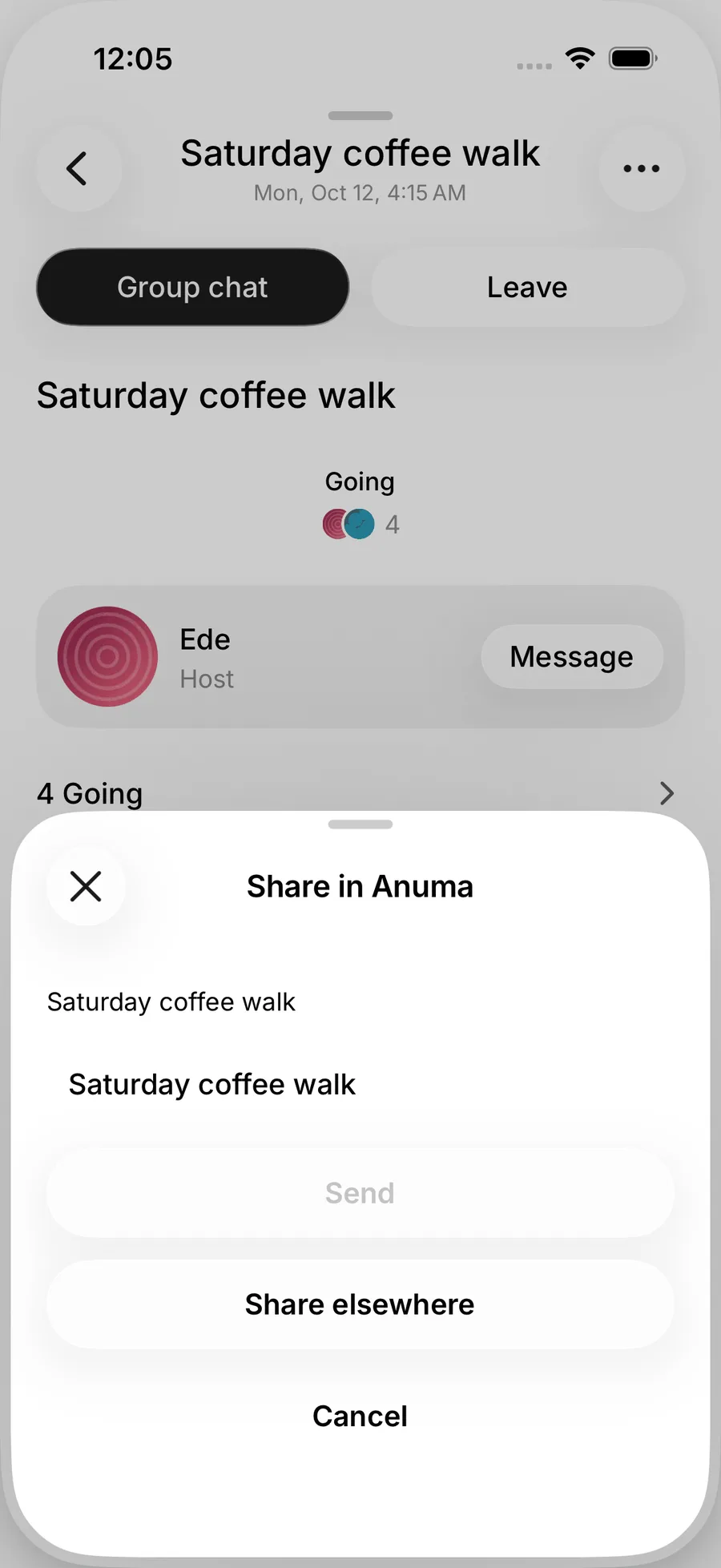
Use Share in Anuma to send it to someone in a Nearby chat, or Share elsewhere for a link you can post anywhere. The link opens a public page that shows the meetup and asks visitors to sign up to RSVP and see who is going.
Report a meetup
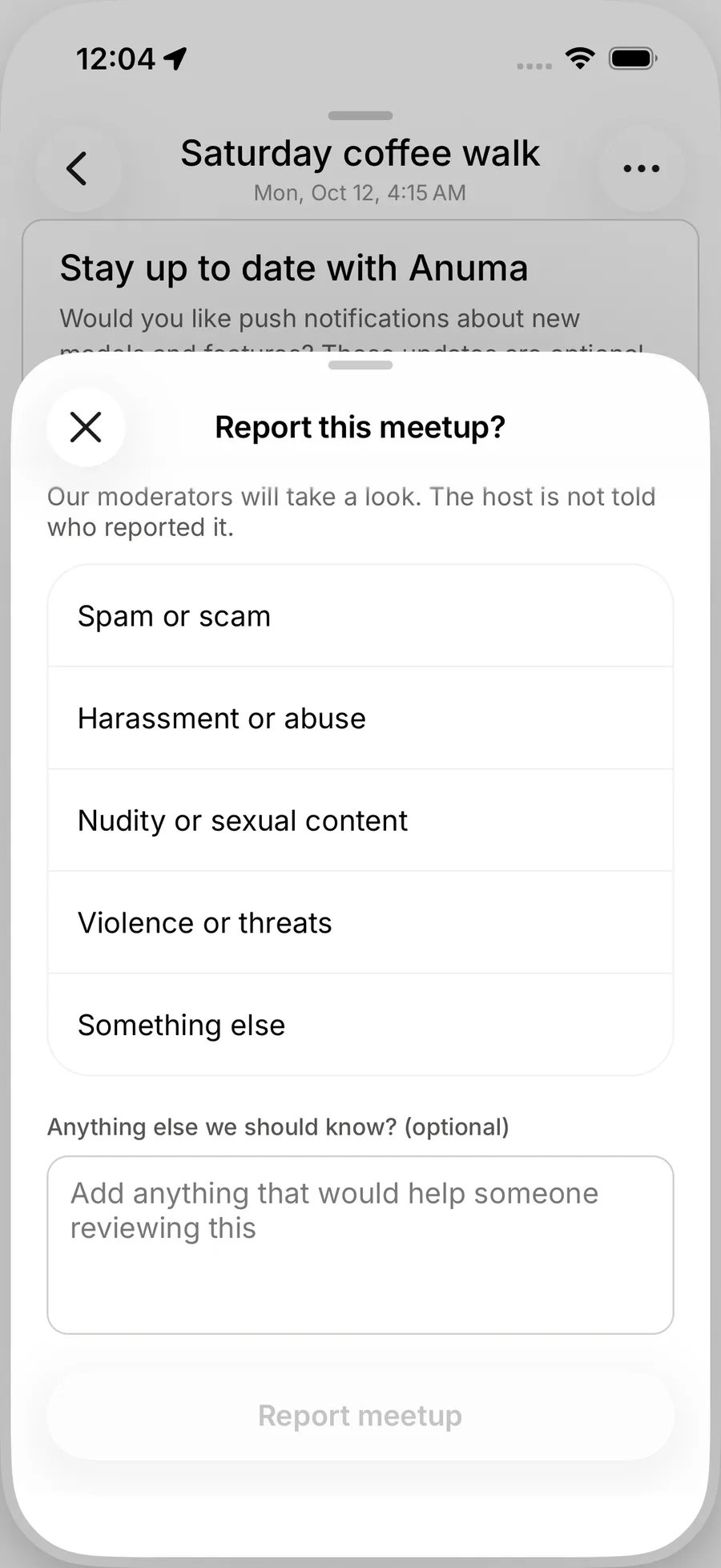
Every meetup page has Report with a reason. See Safety.
Related articles
Still need help?
Email hi@anuma.ai and we will get back to you.