Memory and Nearby
Which memories Nearby can use, the Share in Nearby switch, and how to keep a memory out of matching.
Memories are what make Nearby different from a profile you fill in once. You decide, memory by memory, what Nearby may use.
Available on: web, iOS, Android.
The eye decides the default
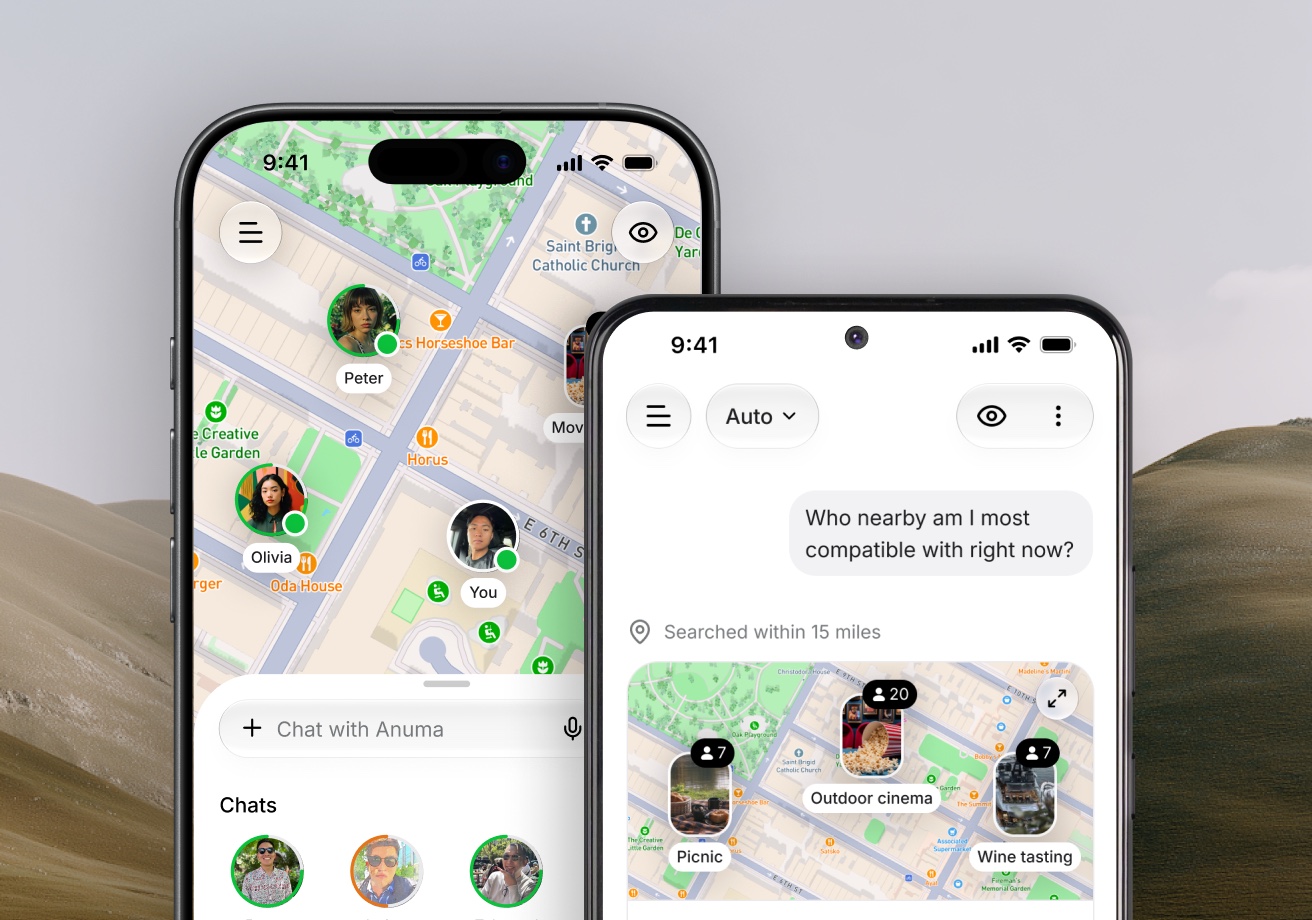
The eye icon in the chat header is the same switch as Nearby's Public and Private mode, and it sets what happens to new memories:
- Eye open (Public mode): new memories Anuma saves from your chats are shared with Nearby. Their Share in Nearby switch starts on, and images you generate can appear in your profile gallery.
- Eye slashed (Private mode): new memories stay private and nothing new reaches your Nearby profile. This does not change which AI models you use.
New accounts start in Public mode after the Nearby setup. If you talk about something you would not want to influence who you meet (health, money, an ID number), switch the eye to Private mode first, or turn the memory's switch off afterwards.
Change one memory at a time
- Open your memories from the sidebar (Profile, then All memories on the web; Memories in the app).
- Open a memory.
- Turn Share in Nearby on or off.
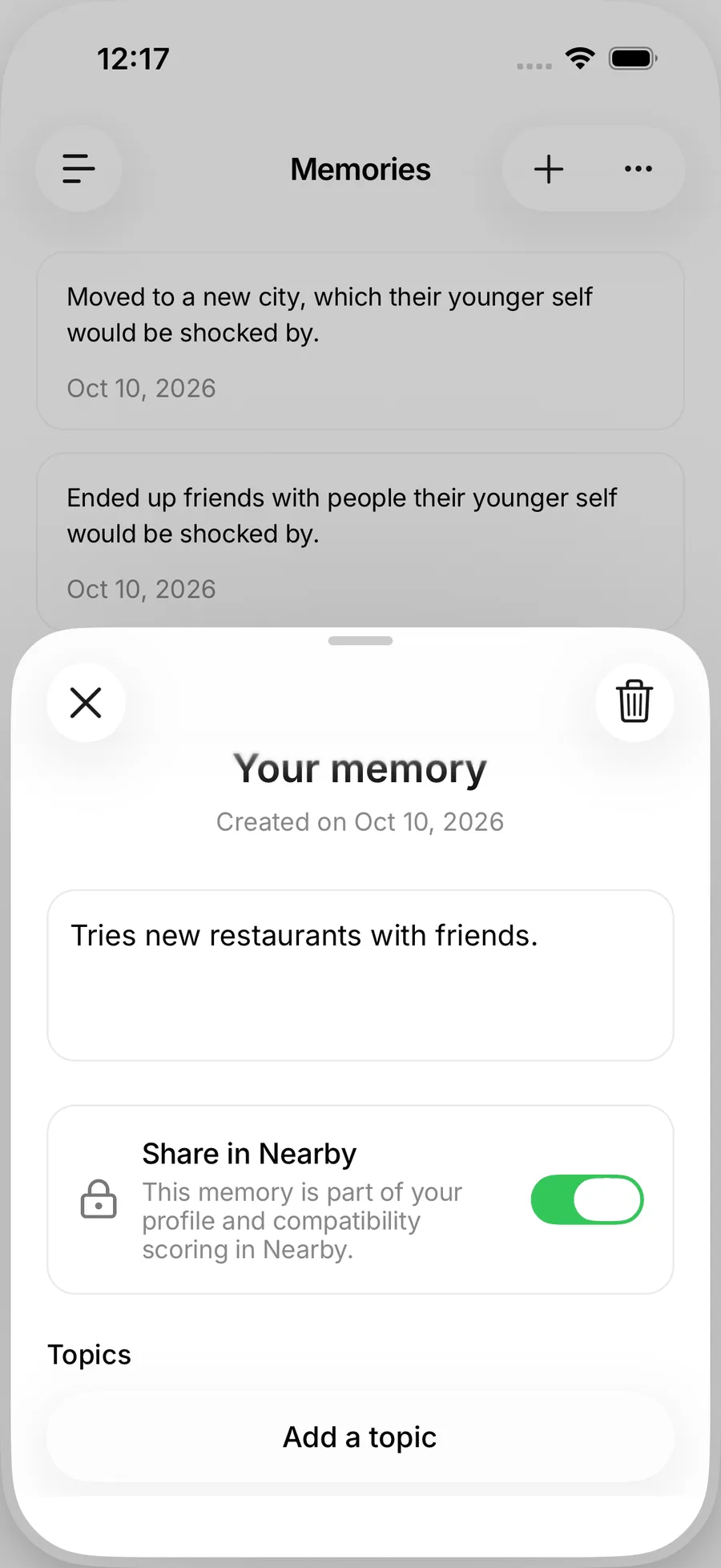
The switch explains the two states:
- On: "This memory is part of your profile and compatibility scoring in Nearby."
- Off: "This memory is not used in Nearby. It is still available to Anuma in chat."
Turning the switch off removes the memory from matching right away. Your chats themselves are never shared; only the memories Anuma keeps from them, and only the ones with the switch on.
What sharing means
A shared memory is sent to the Nearby service, where it is checked by moderation and used to find themes you have in common with people nearby. Other people never see the memory itself. They see shared interests, the level in words, and the vibe check Anuma writes, which only draws on themes both of you have shared. See How matching works and Nearby and your data.
Which memories help
Ongoing things work best: what you are learning, planning or building, places you want to try, hobbies you keep coming back to. Identity facts and constraints (dietary needs, schedules) rarely help matching and are better kept private. Anuma's own advice in the app: do not share sensitive information such as health details, financial information or an ID number in Public mode.
Suggest from memories
Once a few memories are shared, Suggest from memories in Edit profile drafts a bio, a profession and interests from them. See Your profile.
Related articles
Still need help?
Email hi@anuma.ai and we will get back to you.