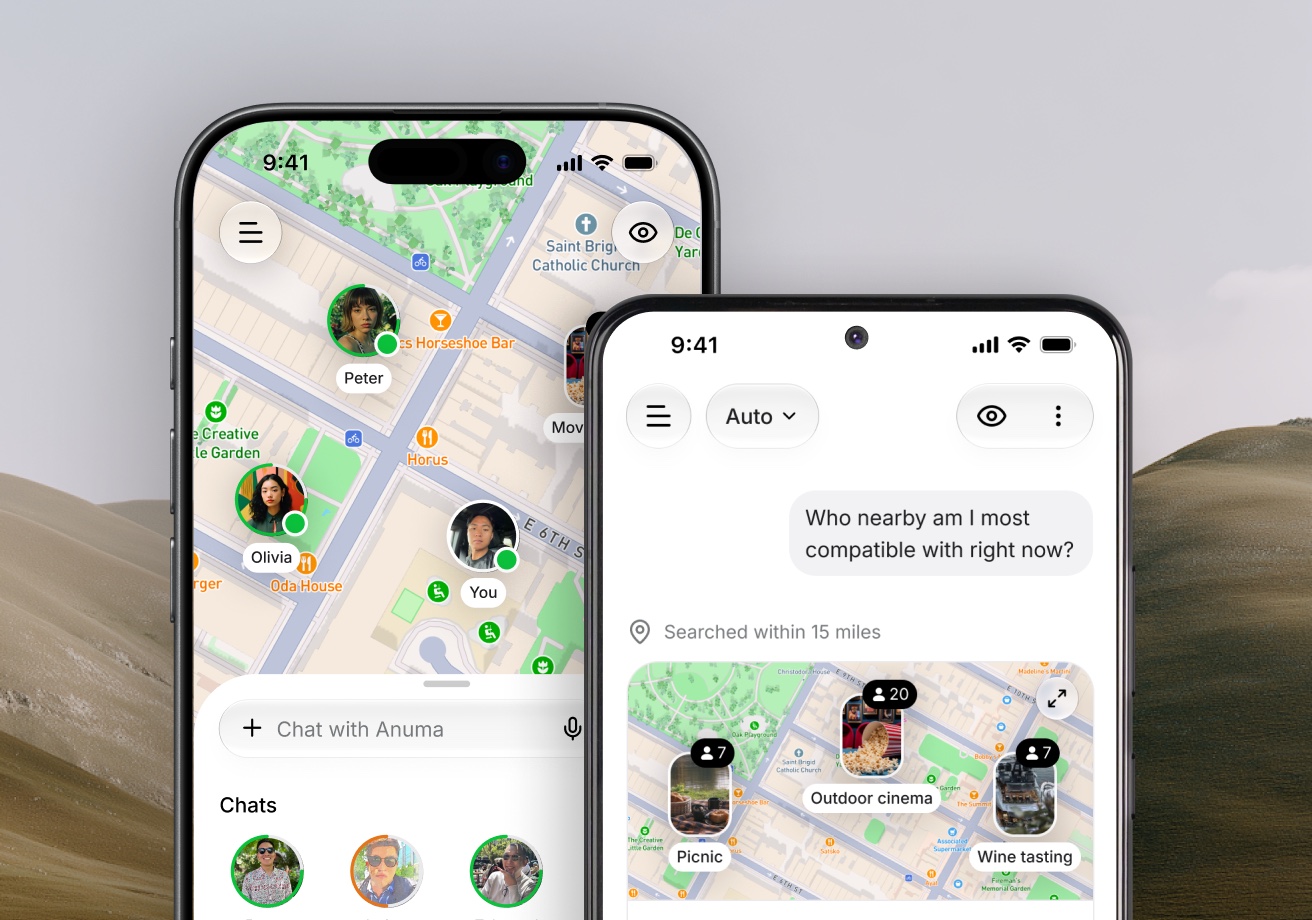
Messages
Wave or message someone on Nearby, send photos, react, mute and report.
Nearby has no approval queue and no "match first" step. If someone is on the map, you can say hi.
Available on: web, iOS, Android.
Say hi
Open a profile and choose:
- Wave. Sends a 👋 and nothing else. The button turns into Waved. Good for "I noticed you" without writing anything.
- Message. Opens a chat and delivers your message right away.
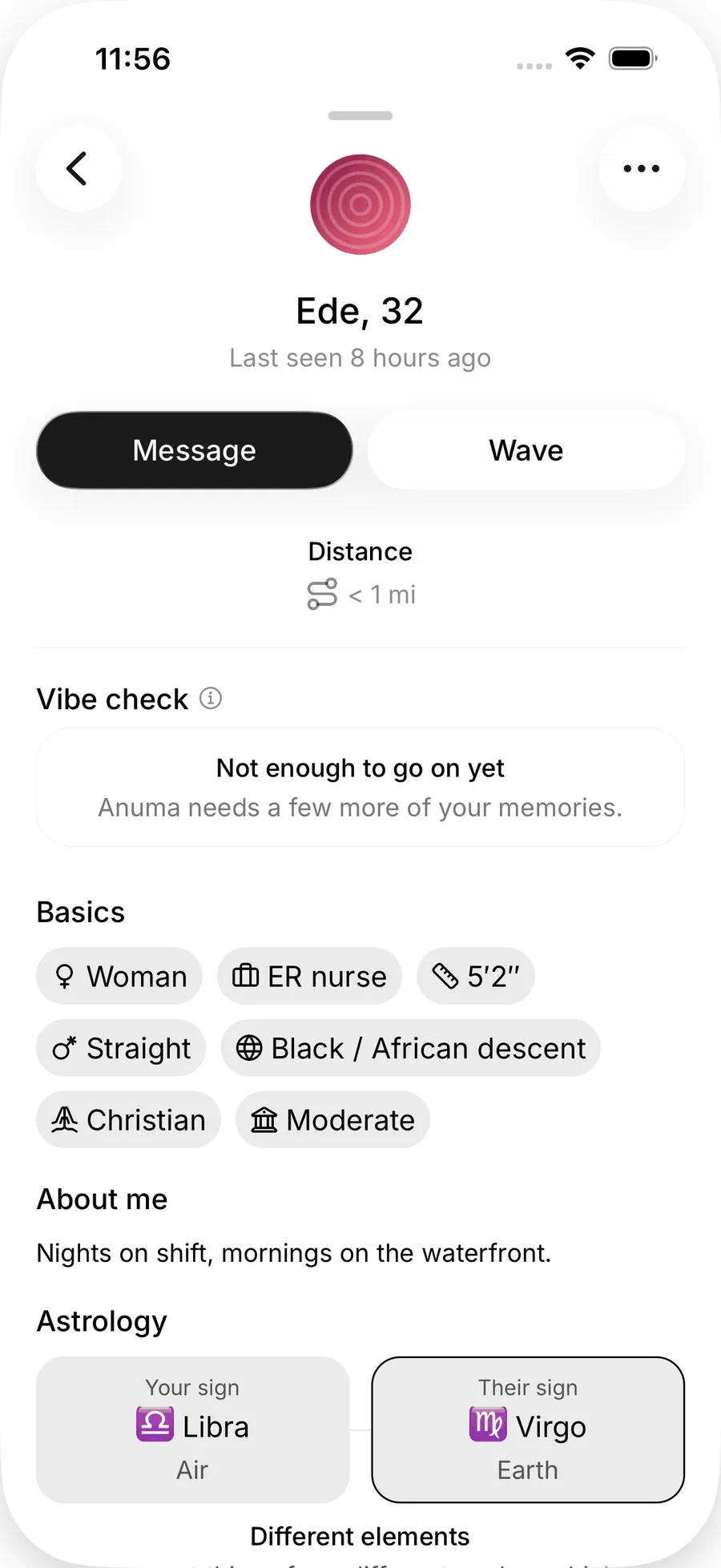
The other person sees {name} sent you a message with a Decline button. Replying is the acceptance: once they write back, the chat is open both ways. If they decline, the conversation closes.
In a conversation
- Photos. JPEG, PNG or WebP, up to four per message. You can send photos once the other person has replied, so first messages are text only. Meetup group chats allow photos at any time.
- Generate image. Ask Anuma to create an image inside the chat. This uses credits like any other image generation.
- Reactions. Long-press (mobile) or hover (web) a message to react with an emoji.
- Copy a message from the same menu.
- Shared photos. A grid of every photo in the conversation.
- Mute notifications for one conversation from its menu.
- Report message. See Safety.
There are no read receipts and no typing indicators. Unread badges are the only read state anyone sees.
Find your chats
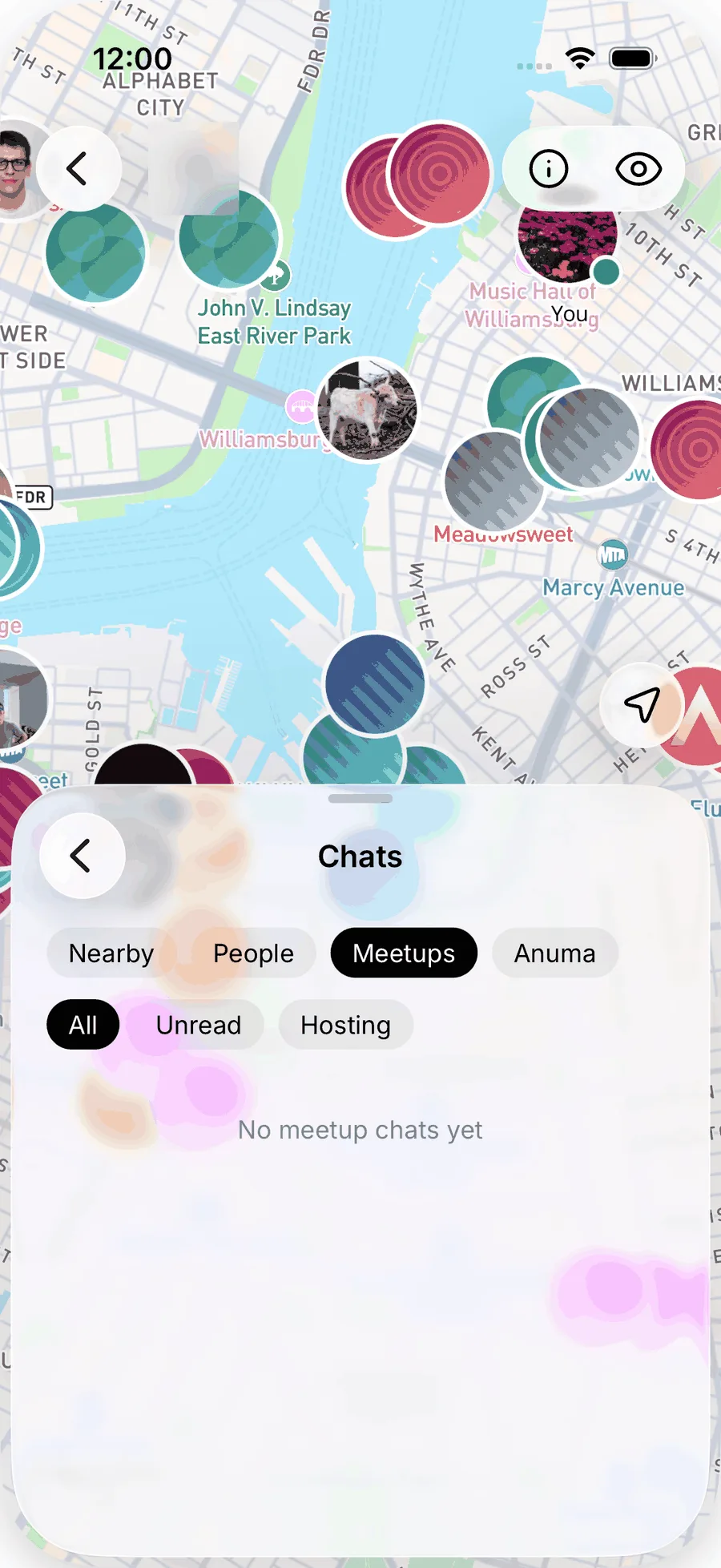
Open the bottom sheet on the map and go to Chats. Tabs split it into Nearby, People, Meetups and Anuma. Chips narrow each tab: All, Online, Unread and Favorites for people, and All, Unread and Hosting for meetups. Mark someone as a favorite from their profile menu.
Privacy
Messages are encrypted in transit and at rest. They are not end-to-end encrypted, so Anuma and its service providers can access them for operation, safety and legal compliance. They are never shown on anyone's profile. See Nearby and your data.
Notifications
A new message, reply, reaction or meetup message sends a push notification and appears in your Nearby notifications, in the Nearby header on mobile and web. If you turned notifications down during setup, Anuma asks once more after you send your first message, under Don't miss a reply. You can also turn them on from Settings → Notifications. Android users: see Nearby troubleshooting if the prompt never appears. On the web you can reply to a specific message, and each chat's menu lets you choose all messages, only mentions and replies, or mute.
Related articles
Still need help?
Email hi@anuma.ai and we will get back to you.