Build AI mini-apps. No code.
Create custom workflows, interfaces, and automations inside Anuma. Power them with any AI model. Share with anyone.
You've been using someone else's software.
Every app you use was designed for the average user. You adapted to their categories, their layouts, their workflows. The perfect tool for your exact problem was never worth building — until now.
Features you'll never touch
Your spreadsheet, your project manager, your budget app — all bloated with features built for someone else's workflow. You use a fraction and ignore the rest.
Apps that are "close enough"
You download multiple options, try each one, and settle for the least bad. None of them do exactly what you need. You work around the gaps.
Only you know what you need
You've been adapting to software your whole life. What if software adapted to you instead? Describe what you need and get exactly that — no compromises.
Features you'll never touch
Your spreadsheet, your project manager, your budget app — all bloated with features built for someone else's workflow. You use a fraction and ignore the rest.
Apps that are "close enough"
You download multiple options, try each one, and settle for the least bad. None of them do exactly what you need. You work around the gaps.
Only you know what you need
You've been adapting to software your whole life. What if software adapted to you instead? Describe what you need and get exactly that — no compromises.
Build anything you can describe.
From budget trackers to trivia games — if you can explain it, Anuma builds it.
Productivity
Budget trackers, project timelines, habit dashboards, invoice generators, time-tracking tools
Try saying
“Build me a freelance invoice tracker that auto-calculates taxes and exports to PDF”
Learning
Flashcard apps, quiz generators, study timers, language practice tools, spaced repetition
Try saying
“Make me flashcards for the bar exam evidence rules with spaced repetition”
Health & Fitness
Calorie counters, workout timers, meal planners, hydration trackers, sleep logs
Try saying
“Build a meal planner for a high-protein, low-carb diet with a grocery list generator”
Creative
Color palette generators, font pairing tools, mood boards, writing prompt randomizers
Try saying
“Generate a color palette tool that creates 5 harmonious colors from any hex code I enter”
Fun
Trivia games, word games, decision spinners, countdown timers, random generators
Try saying
“Make a trivia game about 90s movies with multiple choice and a score tracker”
Work
Meeting agendas, standup trackers, OKR dashboards, client intake forms, proposal calculators
Try saying
“Build a daily standup tracker for my 5-person team with a weekly summary view”
App inspirations
Real apps built by users on Anuma. Browse, remix, or use them as a starting point.
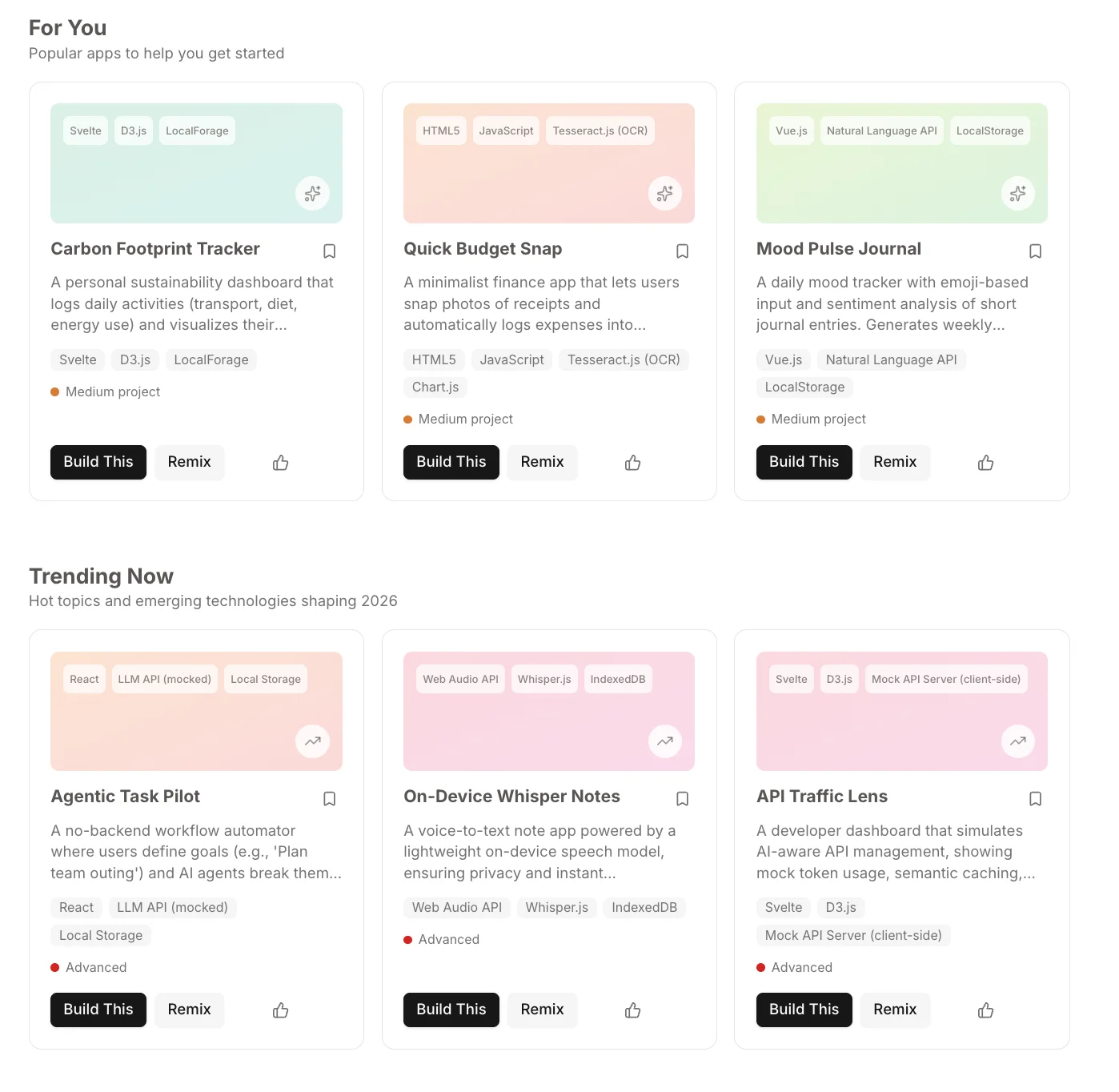
Popular apps
Carbon Footprint Tracker, Quick Budget Snap, Mood Pulse Journal, and more — real tools users keep coming back to.
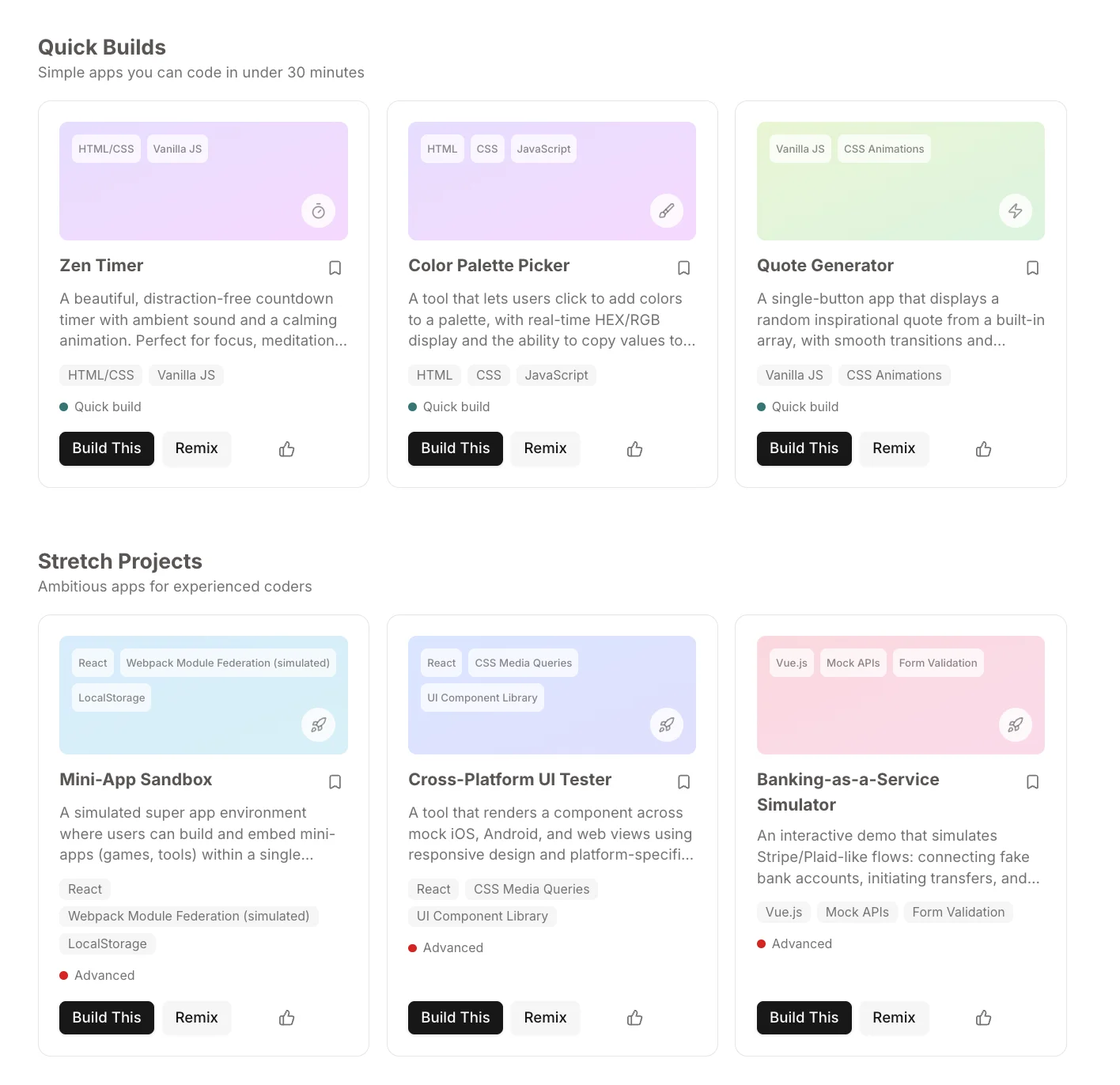
Quick builds & stretch projects
Zen Timer, Color Palette Picker, Mini-App Sandbox, and more — small experiments and weekend builds worth remixing.
From idea to app in minutes.
Prompt
Describe what you want. "Budget tracker" or "a calorie counter that tracks macros and shows a weekly chart" — be as specific or vague as you like.
Build
A working, interactive app appears right inside your conversation. Use it immediately — no setup, no download, no configuration.
Iterate
"Add dark mode." "Make the chart weekly." "Add an export button." Refine it in plain language until it's exactly what you need.
Keep
Save to your library. Share with a link. Come back next month and pick up where you left off — Anuma remembers why you built it.
Prompt
Describe what you want. "Budget tracker" or "a calorie counter that tracks macros and shows a weekly chart" — be as specific or vague as you like.
Build
A working, interactive app appears right inside your conversation. Use it immediately — no setup, no download, no configuration.
Iterate
"Add dark mode." "Make the chart weekly." "Add an export button." Refine it in plain language until it's exactly what you need.
Keep
Save to your library. Share with a link. Come back next month and pick up where you left off — Anuma remembers why you built it.
Prompt
Describe what you want. "Budget tracker" or "a calorie counter that tracks macros and shows a weekly chart" — be as specific or vague as you like.
Build
A working, interactive app appears right inside your conversation. Use it immediately — no setup, no download, no configuration.
Iterate
"Add dark mode." "Make the chart weekly." "Add an export button." Refine it in plain language until it's exactly what you need.
Keep
Save to your library. Share with a link. Come back next month and pick up where you left off — Anuma remembers why you built it.
Why Anuma apps are different
Other AI apps vanish. Yours don't.
When you generate a mini-app in Anuma, you can save it, share it via link, and come back to it next week or next year. The AI remembers why you built it.
Memory that carries forward
Every mini-app lives inside Anuma's memory layer. The context — why you built it, how you iterated — is preserved across sessions. Encrypted in transit and at rest.
Privacy built in
Your mini-apps, prompts, and memory are encrypted in transit and at rest, and you can delete them from the app at any time.
Personal software, not disposable demos
Mini-apps become callable tools the AI invokes in future conversations. Say "run my budget tracker for April" and it appears with your data.
Common questions.
Everything you need to know about Anuma's app generation.
Ask us anythingA capability inside Anuma that generates interactive mini-apps from a single prompt. Describe what you want and get a working interface you can use immediately.
Anything you can describe — budget trackers, workout timers, quiz generators, project dashboards, simple games, and more. The app renders directly in your conversation.
No. Just describe what you want in plain language. You can iterate by saying things like "add a dark mode" or "make the chart weekly."
Yes. Save them to your library, share via link, or export the code.
Your mini-apps, the prompts that created them, and all data are encrypted in transit and at rest. They are not end-to-end encrypted, so Anuma and its service providers may access them for operation, safety, and legal compliance. Apps are shared only when you share a link, which you can unpublish.
Yes. App generation is available now on Anuma. Open the app and ask for any app you wish existed.