Find the right people on the map, Nearby.
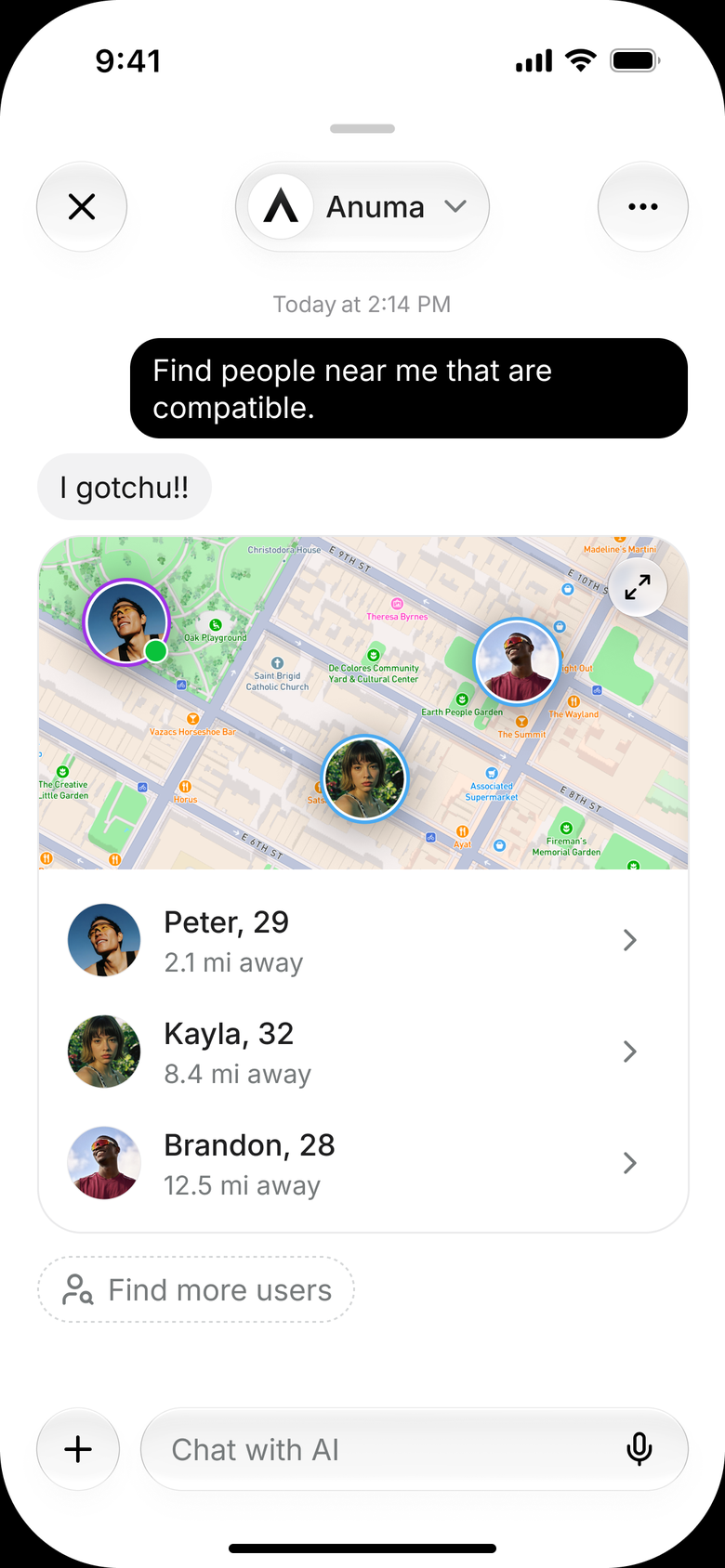
Anuma uses what it knows about you to help you find meaningful connections IRL.
See Who’s Nearby
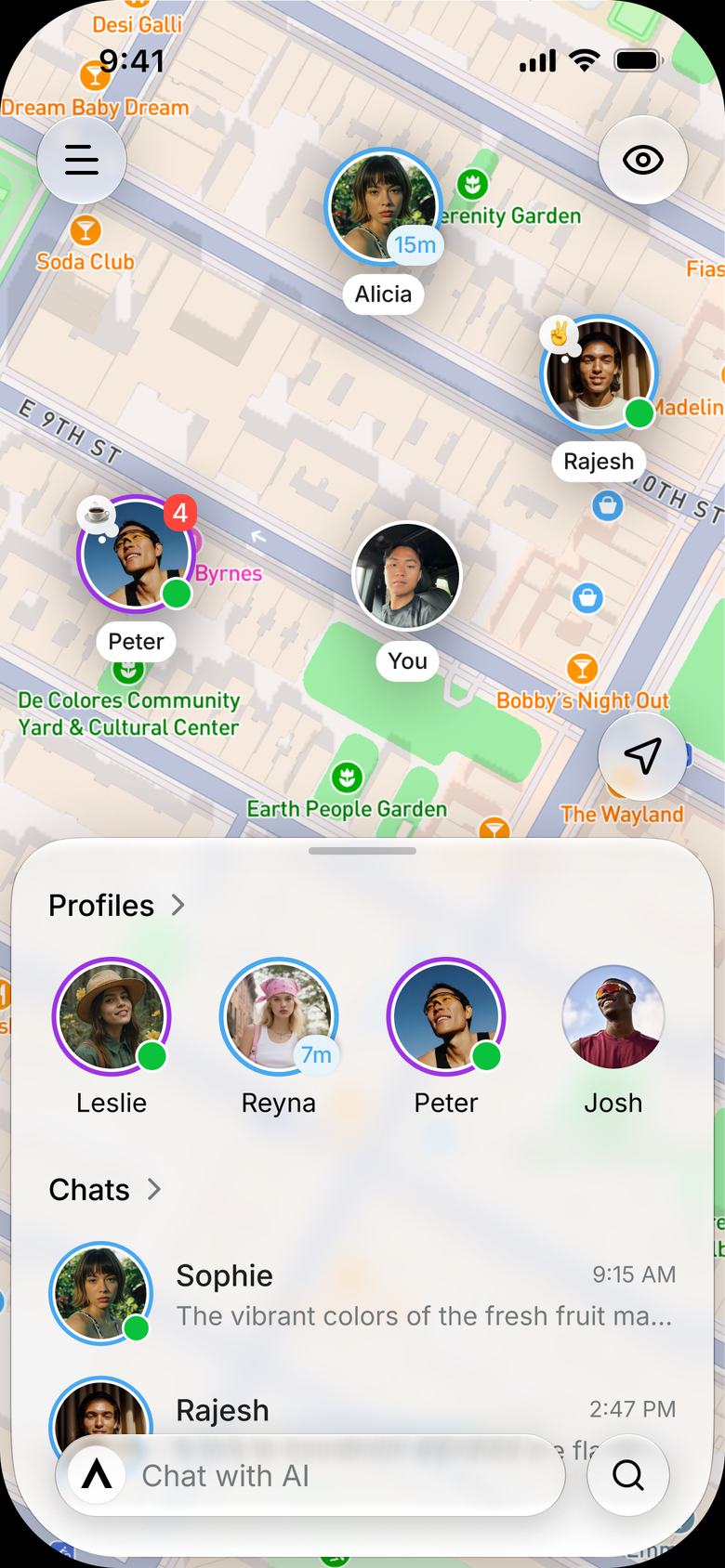
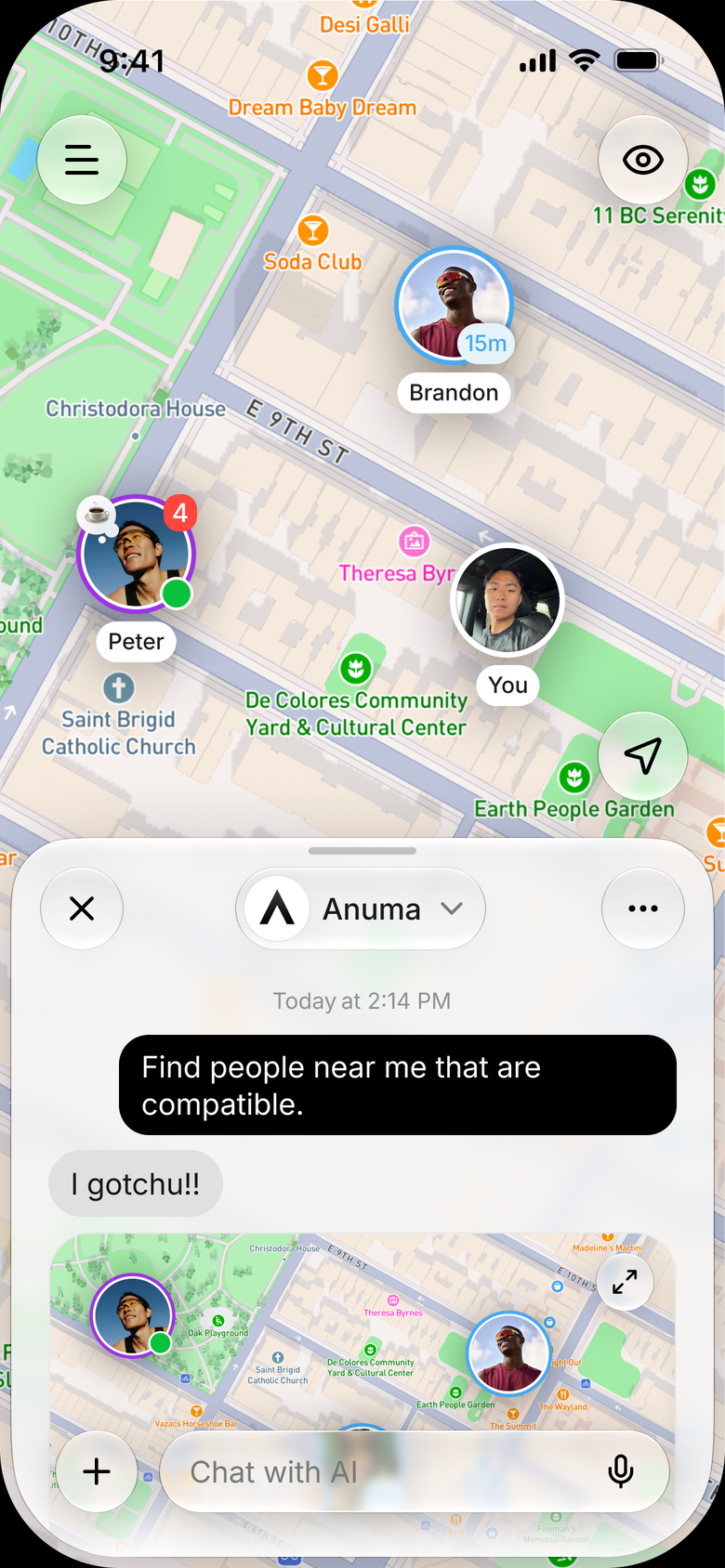
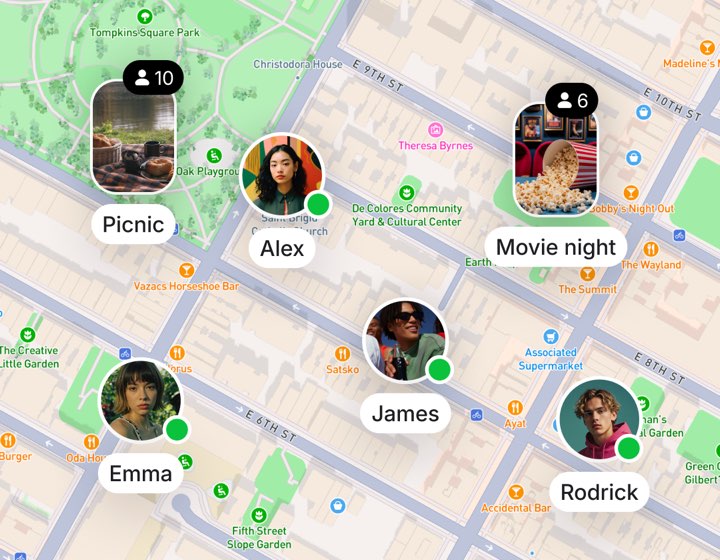
See who's on the map.
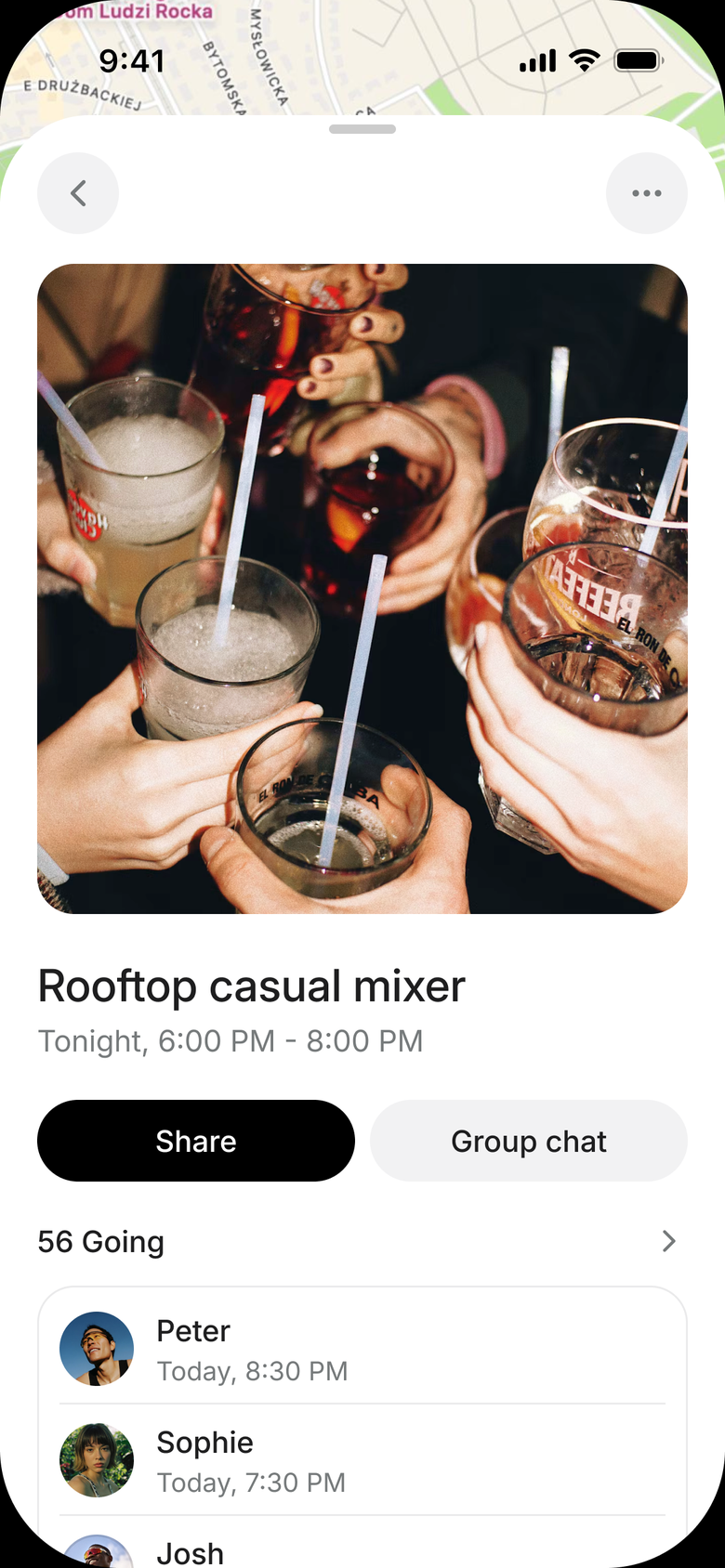
Picnics, movie nights, dinners — see what's on around the corner and join in one tap.


Outdoor Cinema
7:00 PM · 34 attendees

Cooking Class
5:00 PM · 20 attendees



See who's on the map.
Discover who you may connect with.
Find your people, IRL.
Outdoor Cinema
7:00 PM · 34 attendees
Cooking Class
5:00 PM · 20 attendees






Anuma remembers what you love, and helps you find the right people, Nearby.





Making new friends is exhausting.
Same profile bios and the same responses when you message someone. Paygated events and run clubs that feel performative. Most apps sell validation, not connection. You rarely meet anyone you really want.
A profile that continuously learns about you
Most apps never change. It’s the same bios, job title, height, and location. You can’t learn about someone from the same settings they put on every app.
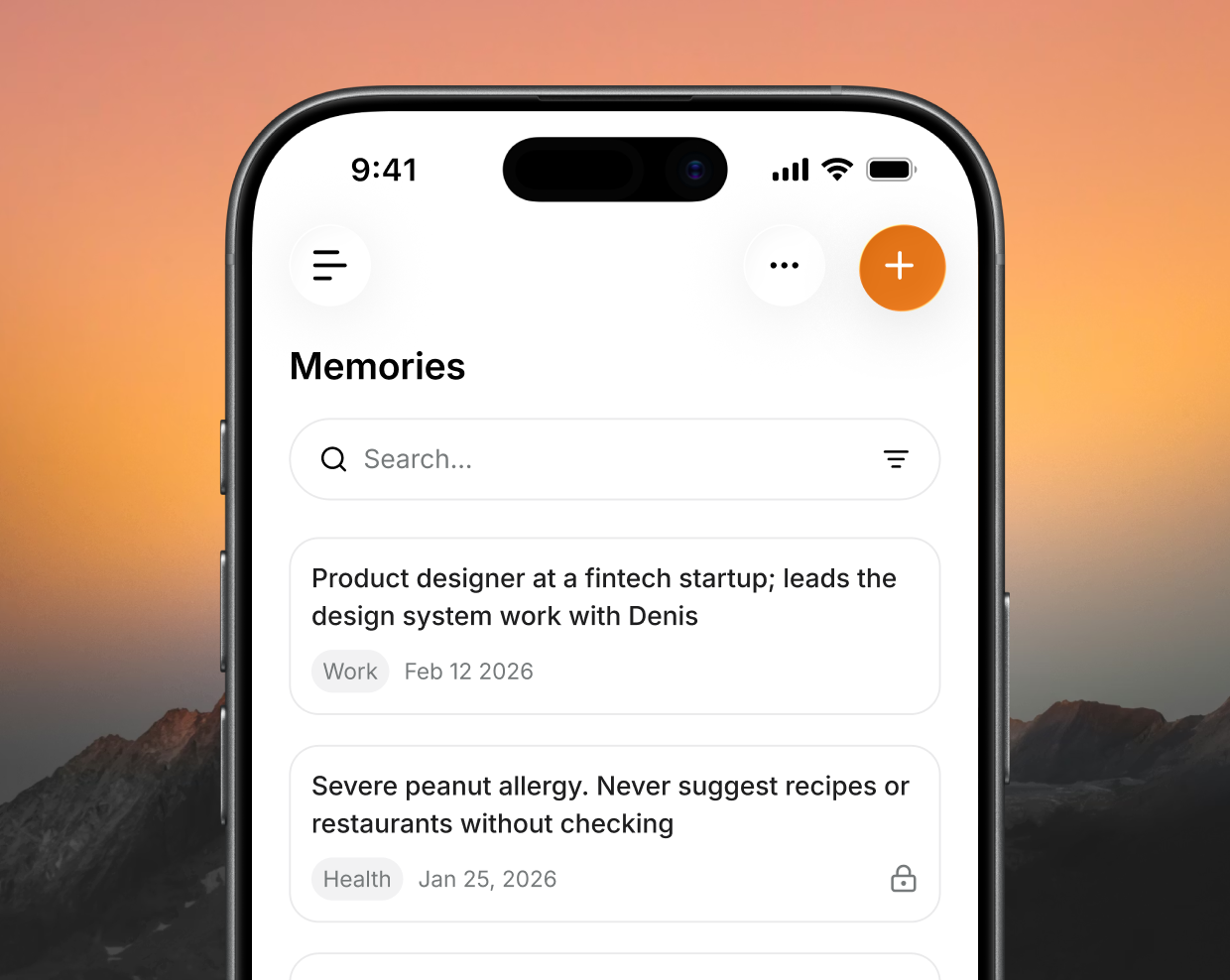
Anuma continuously learns about you from the memories you add yourself, memories you import from other places, and your chats with Anuma. Your compatibility with people nearby updates based on your Anuma usage. Meet new friends with shared interests based on your compatibility that extends beyond the “hey what’s up?” text.
See Nearby in action.
From AI conversations to IRL connections — watch how Anuma turns what it knows about you into people worth meeting.
Try Anuma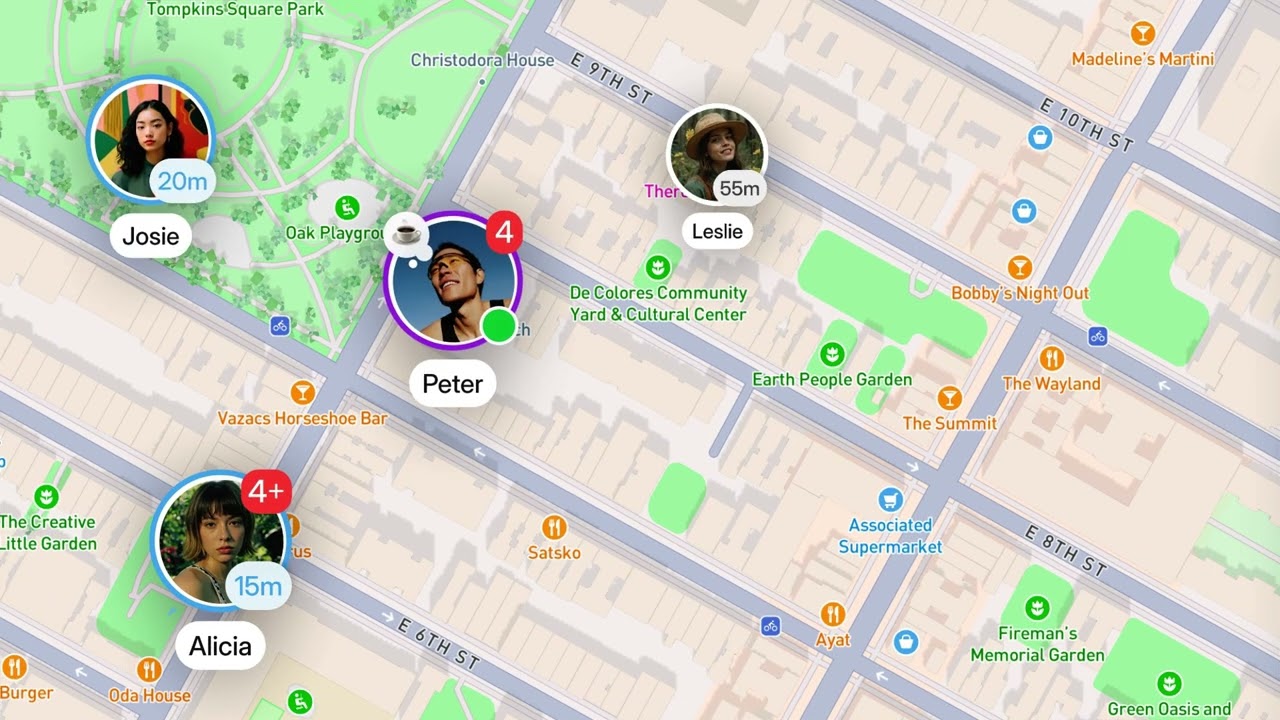
How Nearby works
Four simple steps.
- Step 01
Opt in to share location
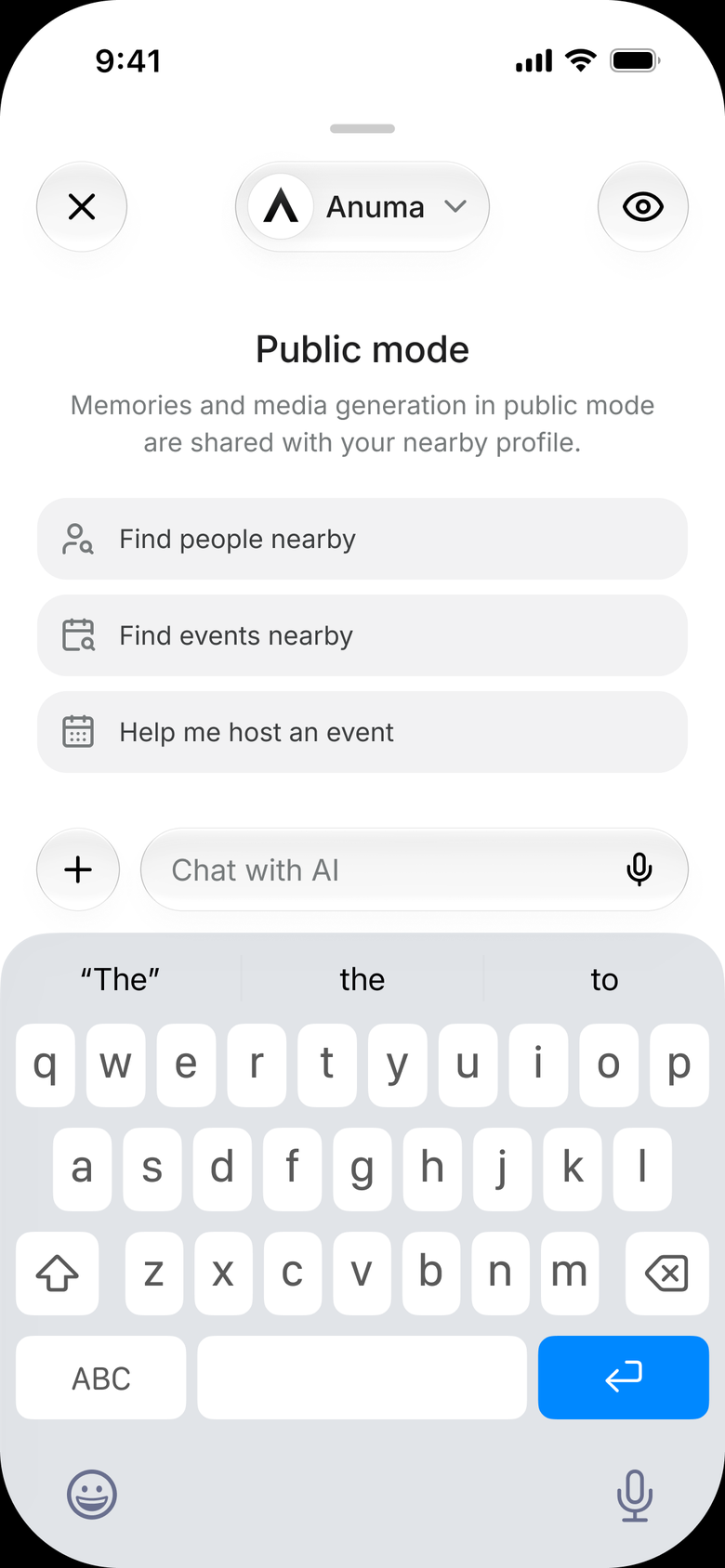
Nearby is opt-in always. Turn on location sharing to enter public mode and appear on the map near others.
- Step 02
Choose what is shared
Choose what memories are private and public. Public memories are used in your Nearby profile. Public Anuma chats are used to learn about you and update your compatibility with others on Nearby.
- Step 03
See common interests
Anuma shows you people nearby who share common interests based on what you shared, so you can go further than awkward icebreaker chats.
- Step 04
Meet in real life
Message someone in Nearby directly. Find meetups happening around you and who is attending. Host last-minute meetups on the map.




Everyone is more than a profile card.
See Who’s NearbyOther apps only show you the same thing. You swipe left and right. You pay for visibility, and at the end, it’s always the same. There’s no real connection.
Anuma learns about you from your memories and chats, so you can learn more about someone and message them to meet without the awkward introductions.

Same profile on every app.
The same age, location, job, and bio.

No more awkward icebreakers.
Anuma shares compatibility reasons before you even message someone for the first time on the map. No more swiping and guessing.
Find People Nearby
Find new friends around you and meet up with them.
Hiking & the outdoors
Find a trail buddy for Saturday morning, no run-club pressure required.
Board game nights
Someone nearby who actually owns Catan and wants to play it tonight.
Movie & TV nights
An A24 marathon or a new release, with people who love it as much as you.
Fan groups
Your favorite artist, show, or team, and the people nearby who get it.
Foodie meetups
New spots and split plates. No more table for one.
Whatever you are into
Climbing, chess, anime, pickup ball. If it is a thing, your people are here.


A better way to meet new friends nearby.
Nearby is built to meet new friends and meet up, without having to re-explain yourself.
No swiping
See who is actually around you on the map, and why you would click. No decks to burn through.
No paying for validation
No Roses, no Super Likes, no premium badges to be seen. Being noticed is not a paid tier.
Better with every chat
The more you chat and add to your Memories tab, the stronger your compatibility with people nearby.
Host your own hang
Beers in your PJs or a casual park meetup, no $40 ticket required. You set the vibe.
Not interested in Nearby?
Opt out of Nearby in the app. Anuma will always remain a private, multi-model AI that remembers you.


You control how people view you.
Only the memories and chats you choose to make public are used to learn about you and your compatibility.
Private memories stay private
Anything you mark private is excluded from matching and public profiles.
Only public-mode chats build your profile
Those are the memories Anuma uses to explain why you and someone overlap.
Private mode, anytime
Turn it on and you do not appear on the map, and your profile is not used in chats.
Your memories
Illustrative preview



Join the waitlist.
We’re launching one neighborhood at a time, so there are enough people nearby to actually meet.
Keep using Anuma. It works no matter where you are.
Chat with AnumaNearby questions.
Do I have to share my location?
No, you don't have to share your location. When you are not sharing your location, you are in private mode. Your profile is not shown on the map, you cannot see other users' profiles on the map, and your profile is not shown in Anuma chats for compatibility or matching.
Can I use Anuma without ever turning this on?
Yes. Anuma stays the private, multi-model AI that remembers you, with wallet login, open-source models, and encrypted memory. You can use Anuma fully without ever using Nearby. When you do not share your location you are in private mode, and your profile is not shown on the map.
Why are you only opening in one neighborhood?
We're a small team, and we want to make sure there are plenty of users around you when you open the app. Nearby will be available in other locations soon.
Is this a dating app?
No. Nearby is a social app that uses your Anuma chats and memories to build stronger compatibility between users, so you can make friends and meet up with people around you.
What can Nearby actually see about me?
When you enable location sharing in Nearby, you are in public mode. In public mode, your public memories from the Memories tab are used as part of your profile and your compatibility with people nearby. Your Anuma chats are also summarized and shown on your profile under 'Activity'.
What does Anuma use for my compatibility with other users?
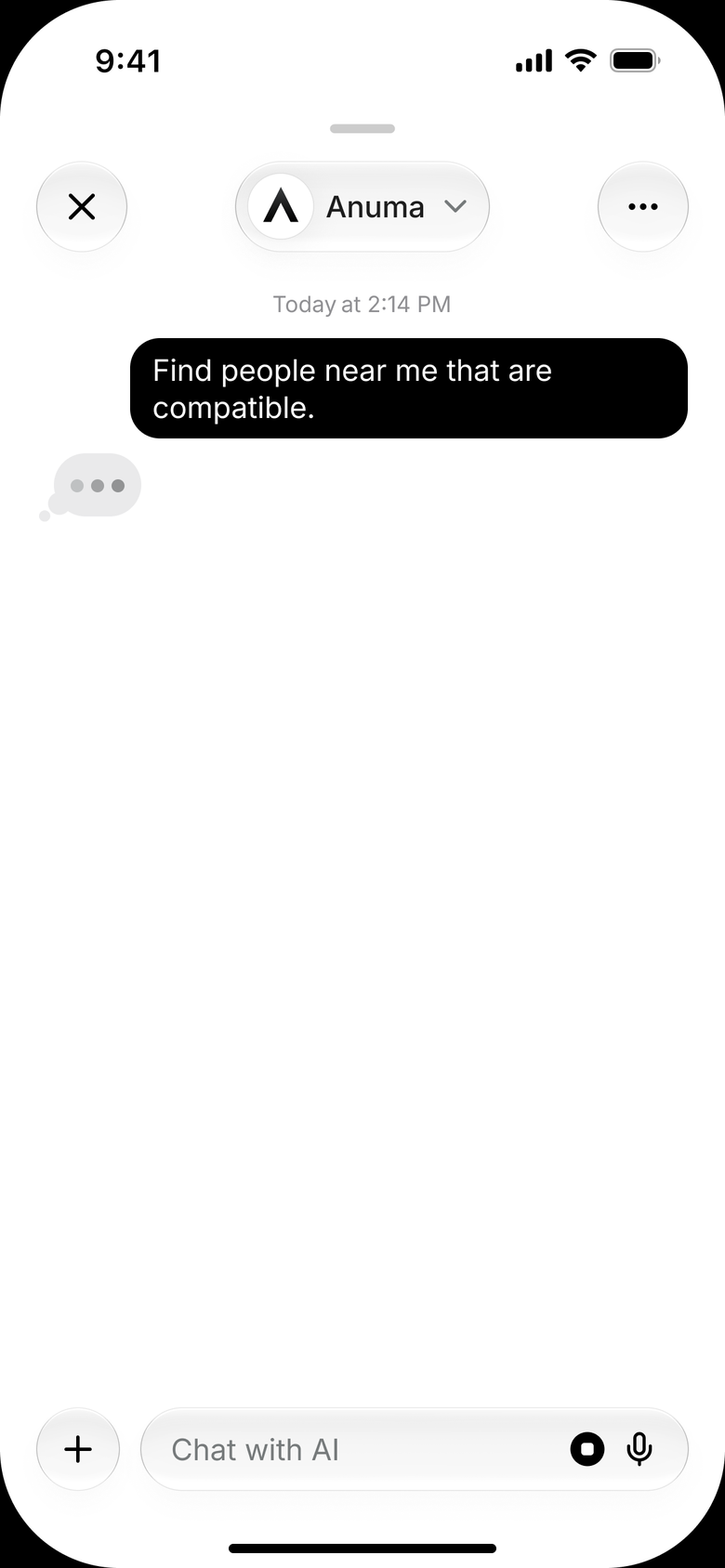
When you're in public mode, Anuma uses your location, your public memories from the Memories tab, and your public-mode chats with Anuma to continuously learn about you. Other users can ask Anuma to recommend people nearby or by interest, and if your profile is a good match for what they're looking for, it's shown to them.
Your memory can introduce you.
You opt in to share your location, and can turn it off anytime. Join the list and we’ll open your neighborhood next.
See Who’s Nearby